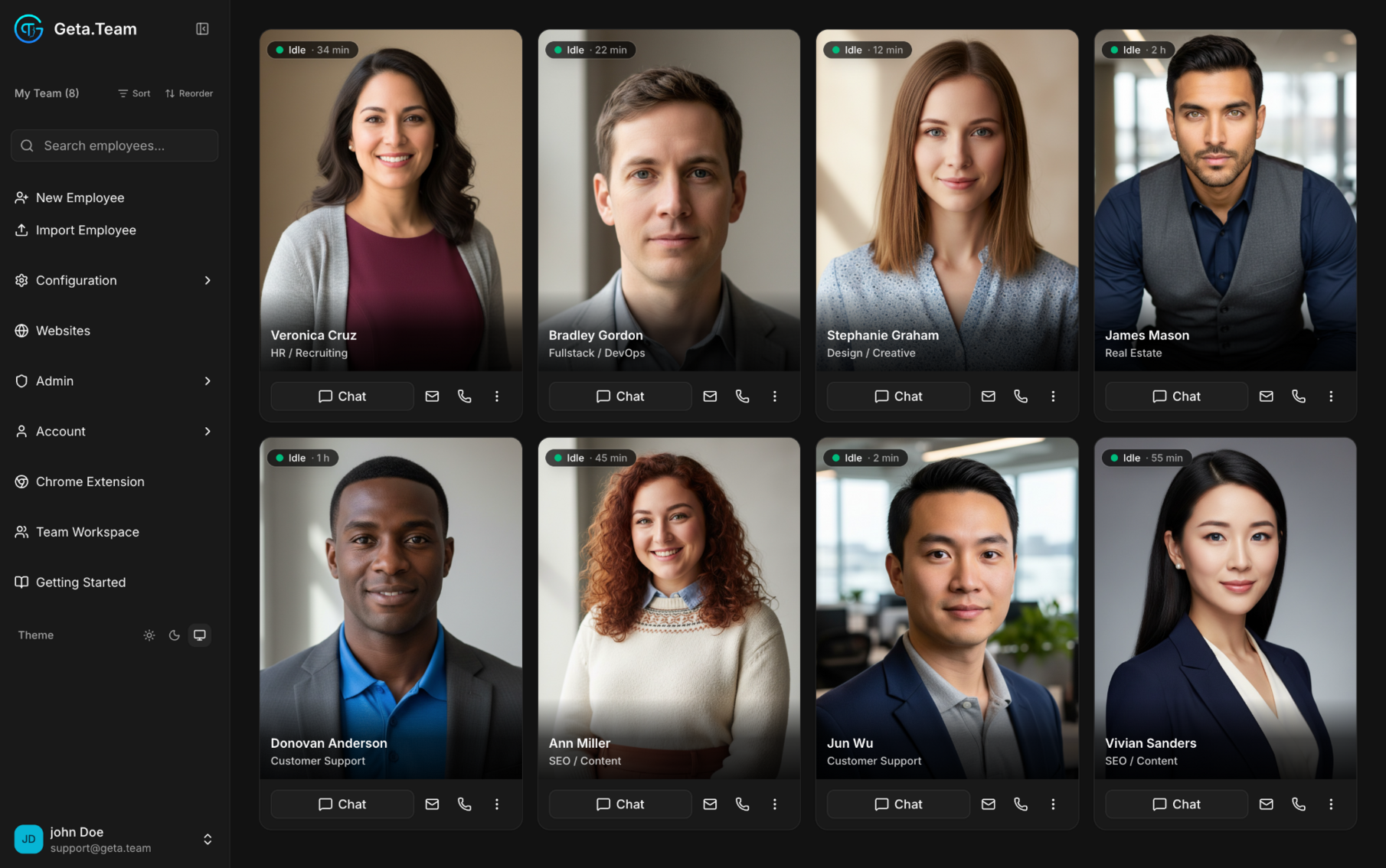
The desktop app installs an always-on employee right on your Windows or Mac. It moves the mouse, types, reads the screen, opens apps, and manages files, so it runs the desktop software and local work the browser can never reach.



Web automation works the web. The desktop app works your whole machine, the native software and local files that live outside any browser, around the clock.
Web automation, for websites and web apps.
The desktop app, for everything on your actual machine.
If a person can do it with a mouse, a keyboard, and a screen, the desktop app can do it too.
Drives the accounting client, the ERP, the design tool that never got a web version or an API. It opens the app and does the work inside it.
Sorts, renames, converts, and moves files across your disk. Point it at a folder and it handles the whole batch.
Lives in your tray and starts with your computer, so scheduled and overnight jobs run with no browser tab kept open.
Moves the mouse, types, and reads what is on screen, operating any application the way a person would.
Pulls data from a web portal into a desktop app, or the other way around, in a single uninterrupted flow.
It is also your full Geta.Team workspace as a native app, one click from the desktop, no browser tab required.
The kind of jobs that used to need a person sitting at the machine.
Download, install, and sign in. That is the whole setup.
Get the app for Windows or macOS.
Open it once. It lives quietly in your system tray.
Connect to your workspace and hand off the work.
Your computer is one surface. Your AI employees also work inside your browser and pick up the phone.
Install the desktop app and put your AI employees to work on the software you actually run.
