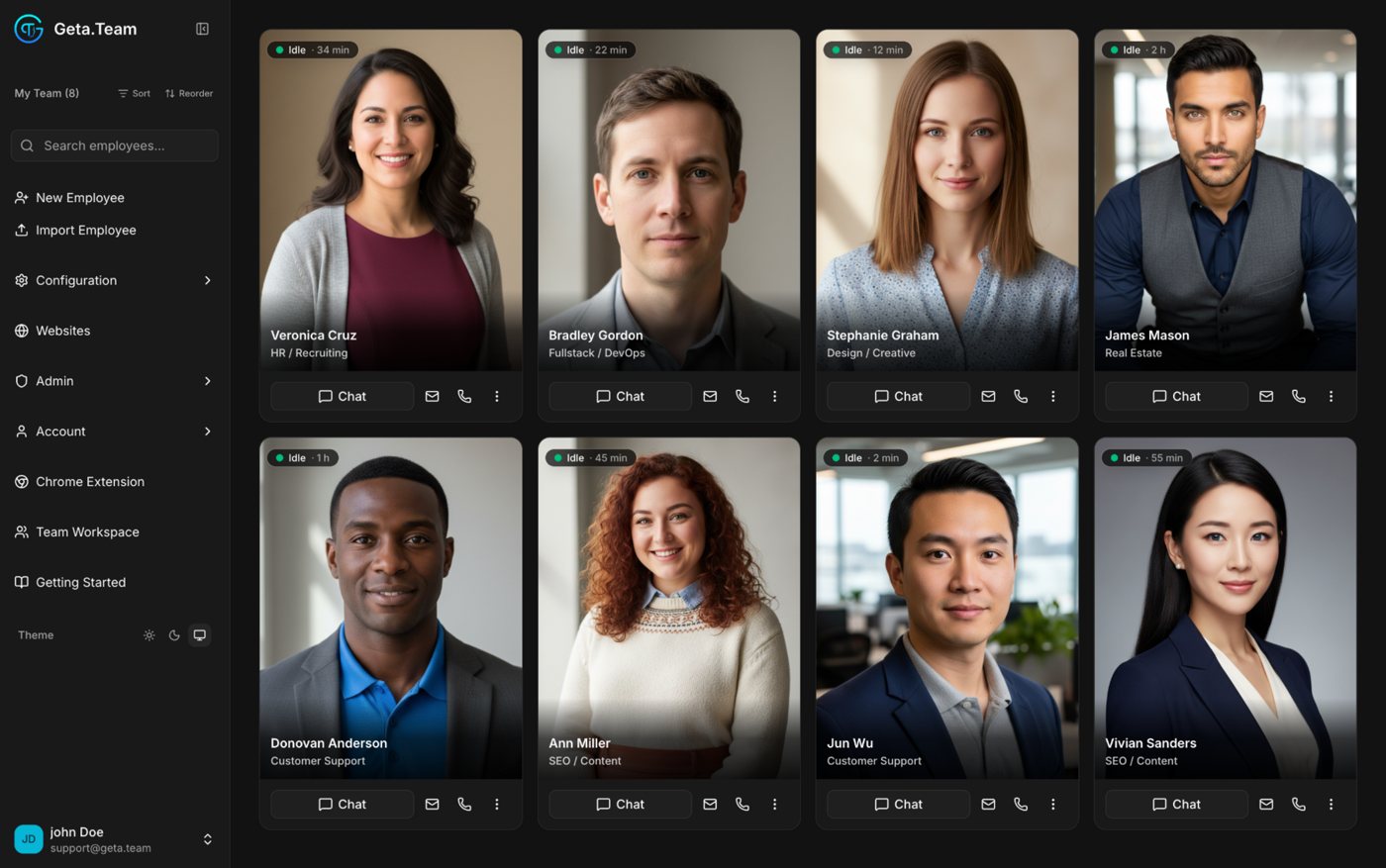
Grok Bot is xAI's always-on agent. Your Bots share one cloud computer, with a browser, files and a terminal, hosted in Cursor's cloud and signed in with your own accounts. It is in beta since 11 August 2026. Geta.Team gives you a whole team of AI employees on a dedicated server in Germany, France or the US, or on your own machines. Each one has its own keys and its own mailbox, and runs on the model you choose, Grok included.
Both work in the background while you get on with your day. They disagree on where, on whose keys, and on who they talk to.
A dedicated server in Germany, France or the US, or the whole platform on your own machines.
Each employee has its own secrets, permissions and mailbox. Nothing is shared by default.
GPT, Claude, Gemini, Grok through any OpenAI-compatible endpoint, or a local model.
Email, WhatsApp, phone and website chat, from its own address and number.
In Grok Bot, the computer is assigned per user, not per Bot. Every Bot you create works on the same machine.
xAI's own FAQ: do not treat separate Bots as a security boundary. Deleting a Bot can leave its files and logins on the shared computer.
Your finance employee never sees what your DevOps employee can open. Every action is logged, per employee.
An agent that holds your logins knows a lot. Here is where Grok Bot keeps its computer, by default.
Per xAI: the computers Bots work on run in Cursor's cloud, one persistent microVM per user. Data residency commitments go through the Cursor account team. Training opt-out follows your Cursor privacy settings; with Privacy Mode on, customer data is not used for training. Legacy Privacy Mode is not supported, because Grok Bot needs cloud storage. Source: docs.x.ai, Grok Bot FAQ and Teams and Enterprises, October 2026.
Grok Bot is built to work for its user. A Geta.Team employee is built to work with your customers, from its own channels.
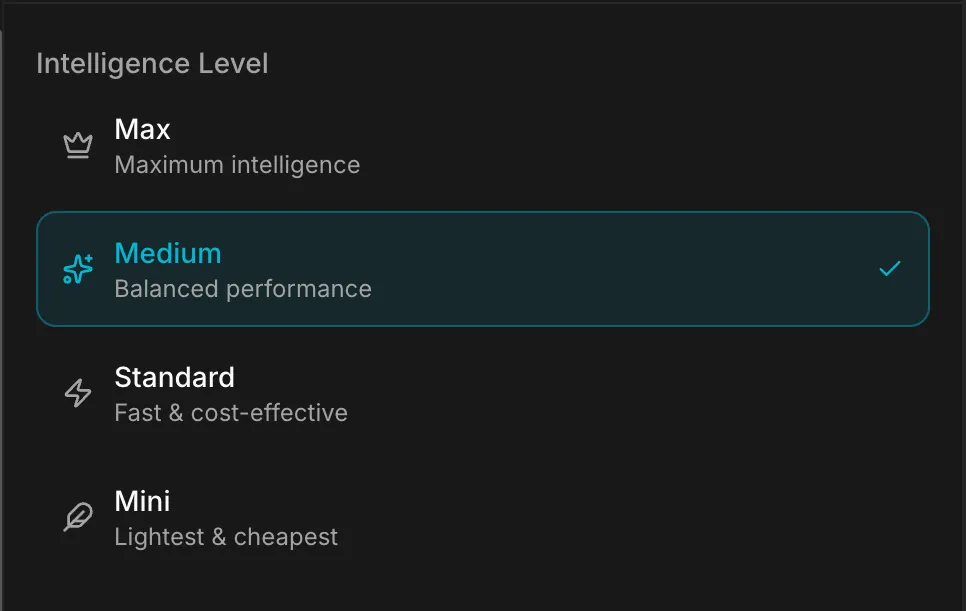
Grok is great for some jobs, other models for others. Each employee runs on the one that suits it, and you switch in one click.
 Sales
Sales Support
 Finance
 Legal
LegalAll live today and documented at docs.geta.team. Pick a group, then a feature, to see the real screen.
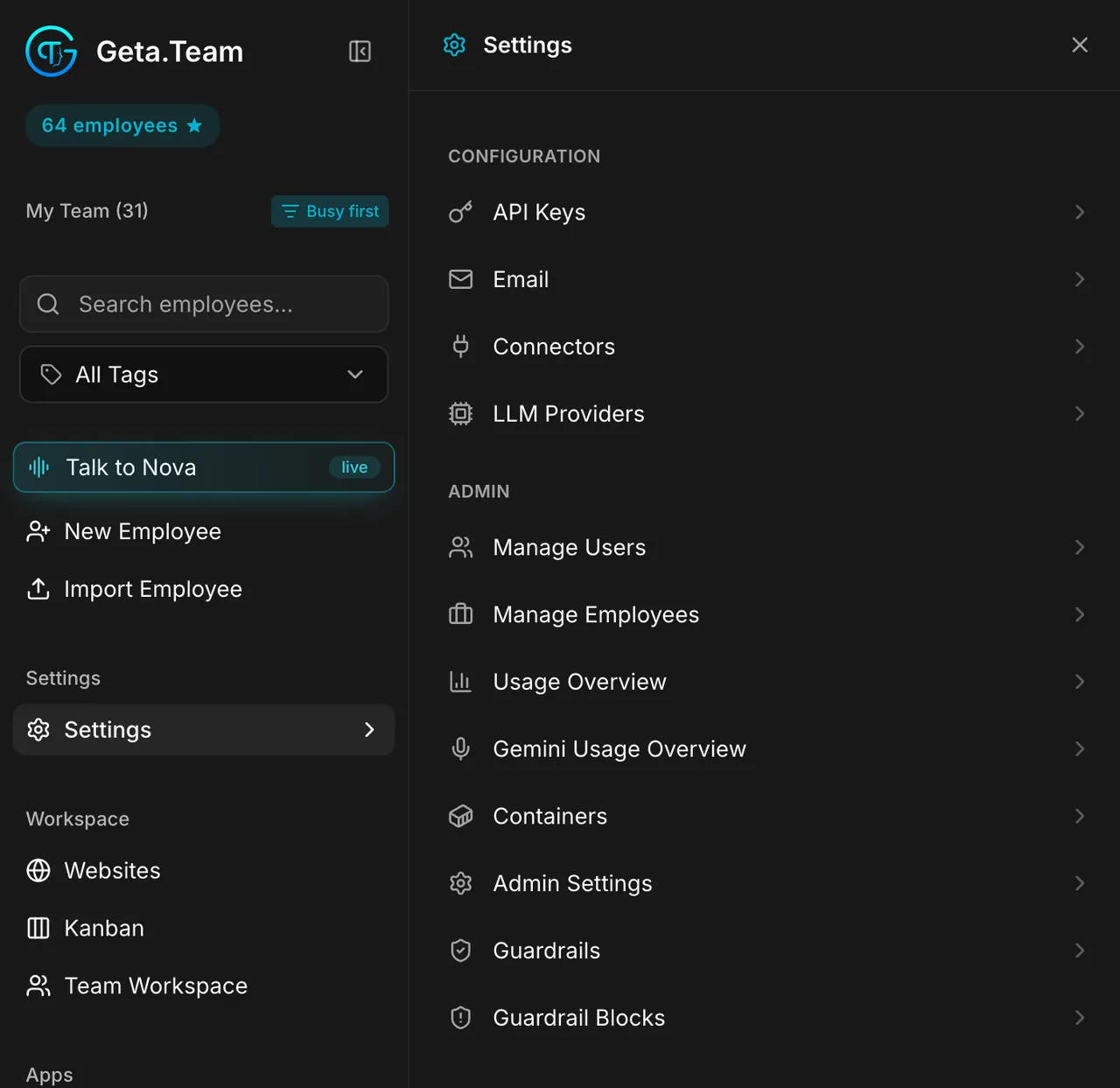
Talk to Nova by text or voice: it knows who is free, hands work to the right employee, and can hire new ones.
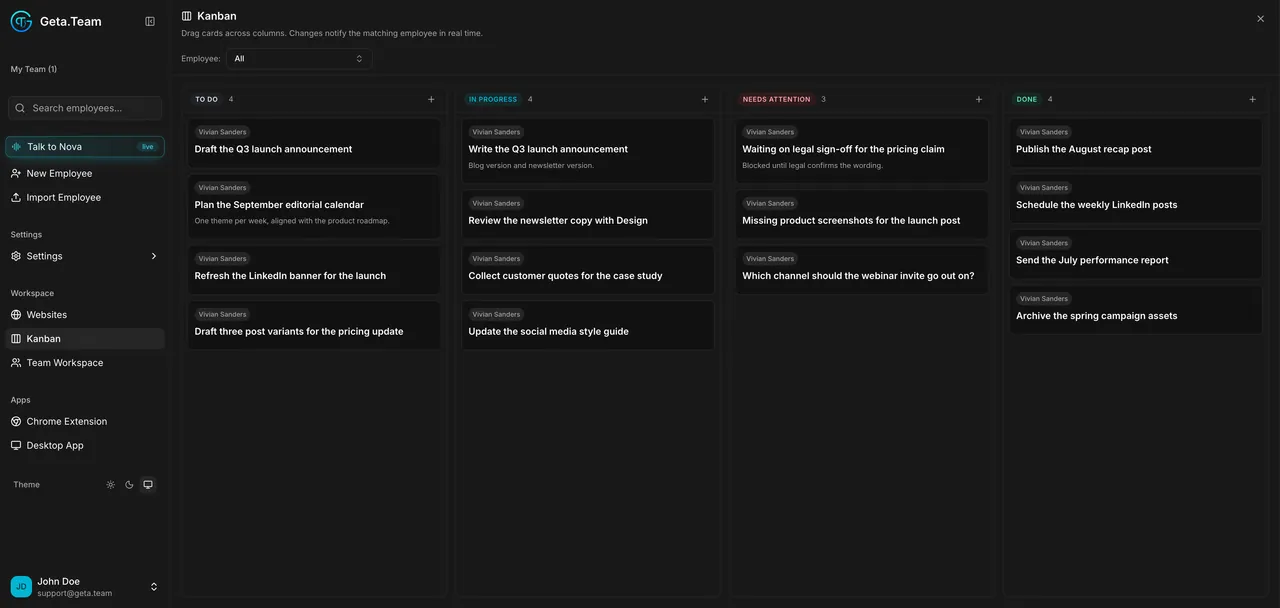
Read the docs →Moving a card notifies the employee in real time. Blocked work lands in Needs Attention, so you see it.
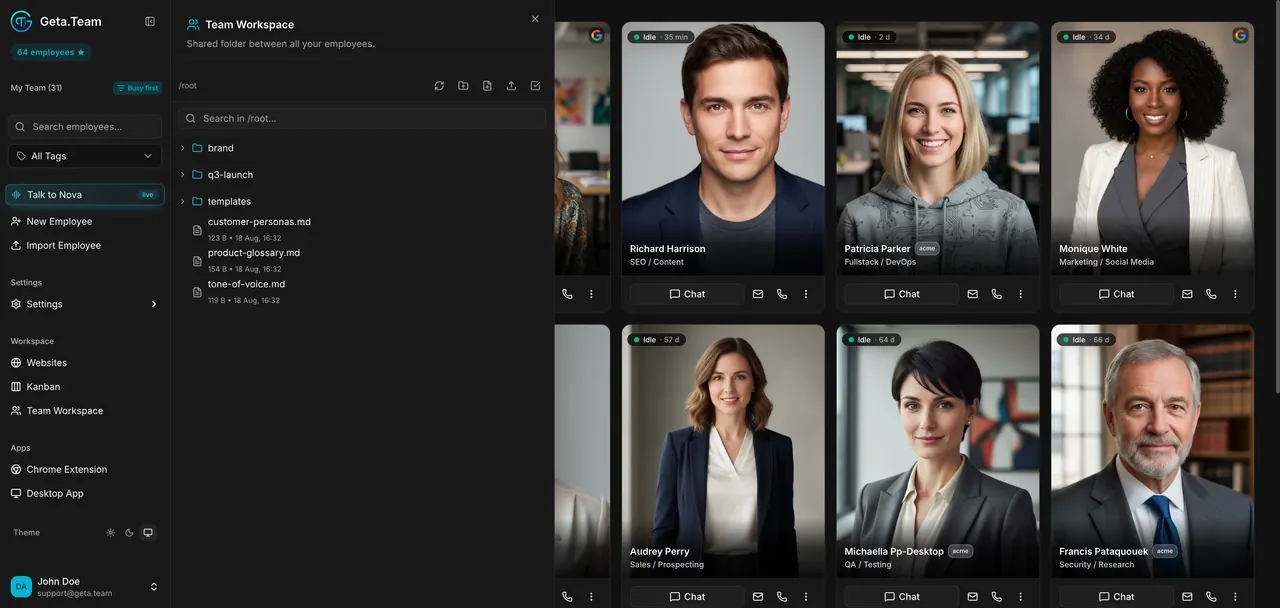
Read the docs →One folder for brand guidelines, templates and price lists that every employee you choose can read and write.
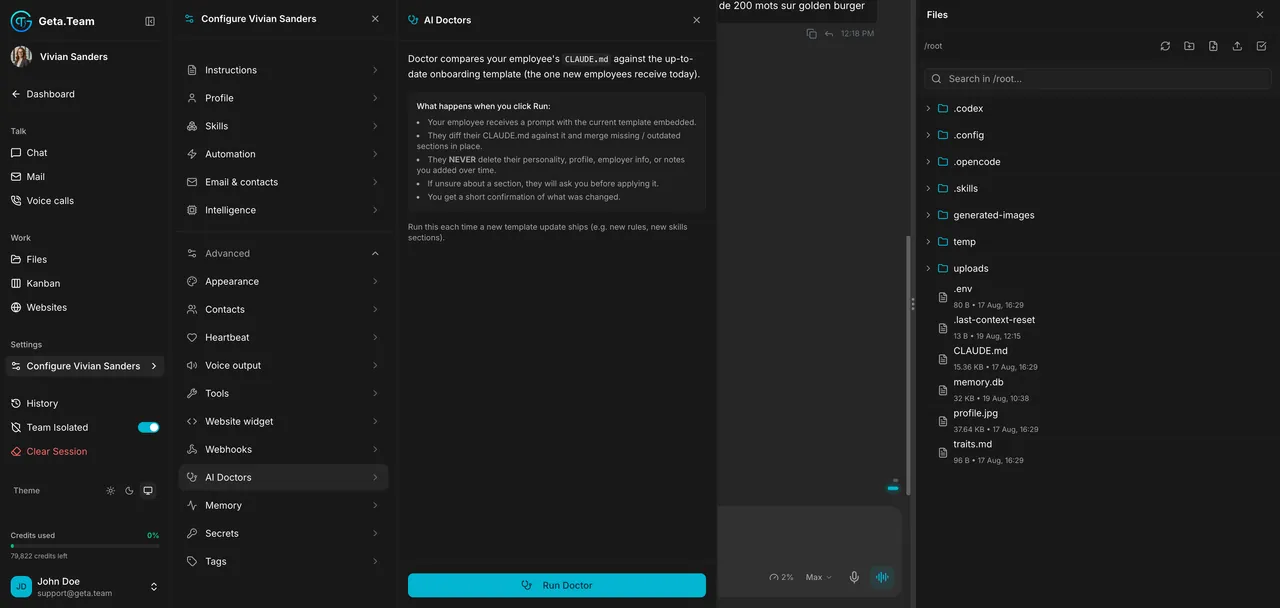
Read the docs →Bring an employee hired months ago up to the latest template, without losing its personality or your notes.
Read the docs →One file carries an employee to another instance with its instructions, memory and skills, still being itself.
Read the docs →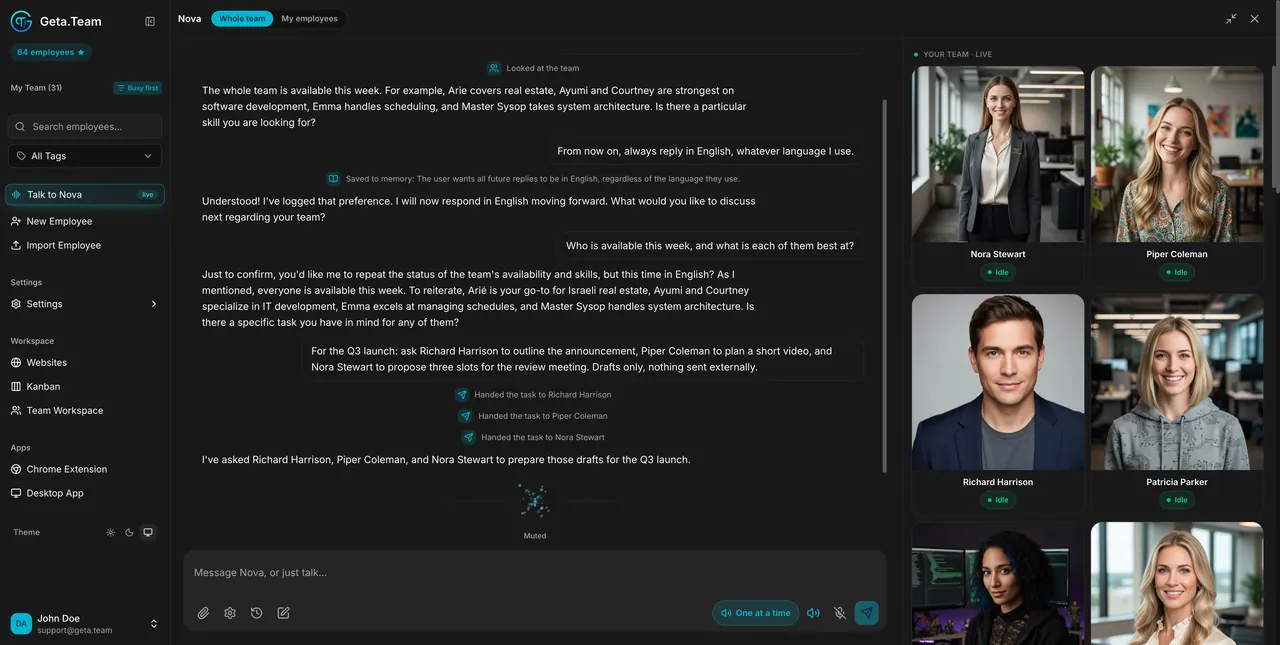
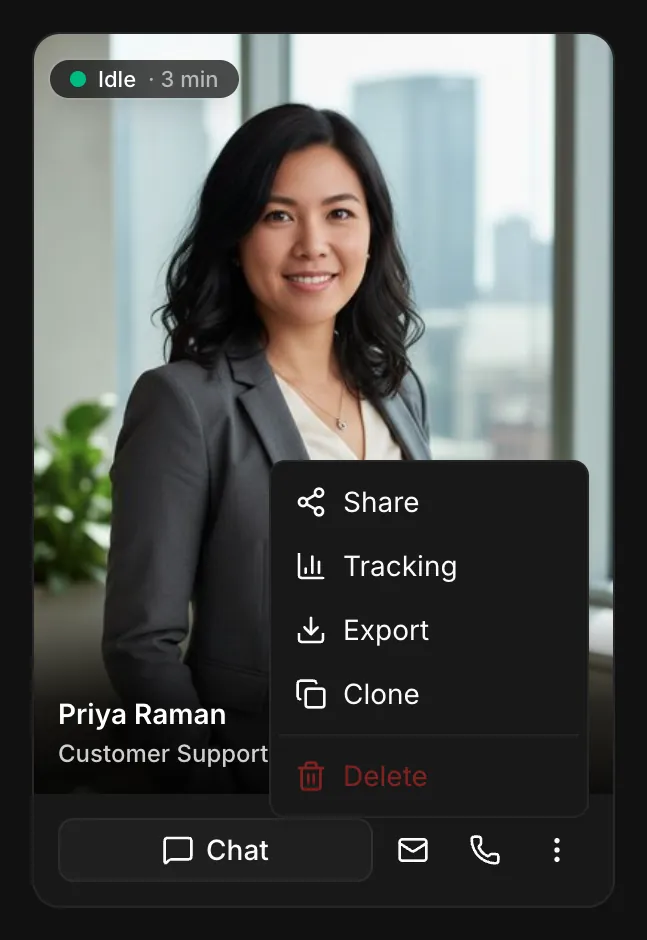
Your employee answers a video call with a live, lip-synced face made from its photo. Same tools and memory as a phone call.
Read the docs →Ask for a new outfit, sunglasses or a Tokyo night backdrop mid-call: the new look appears about ten seconds later.
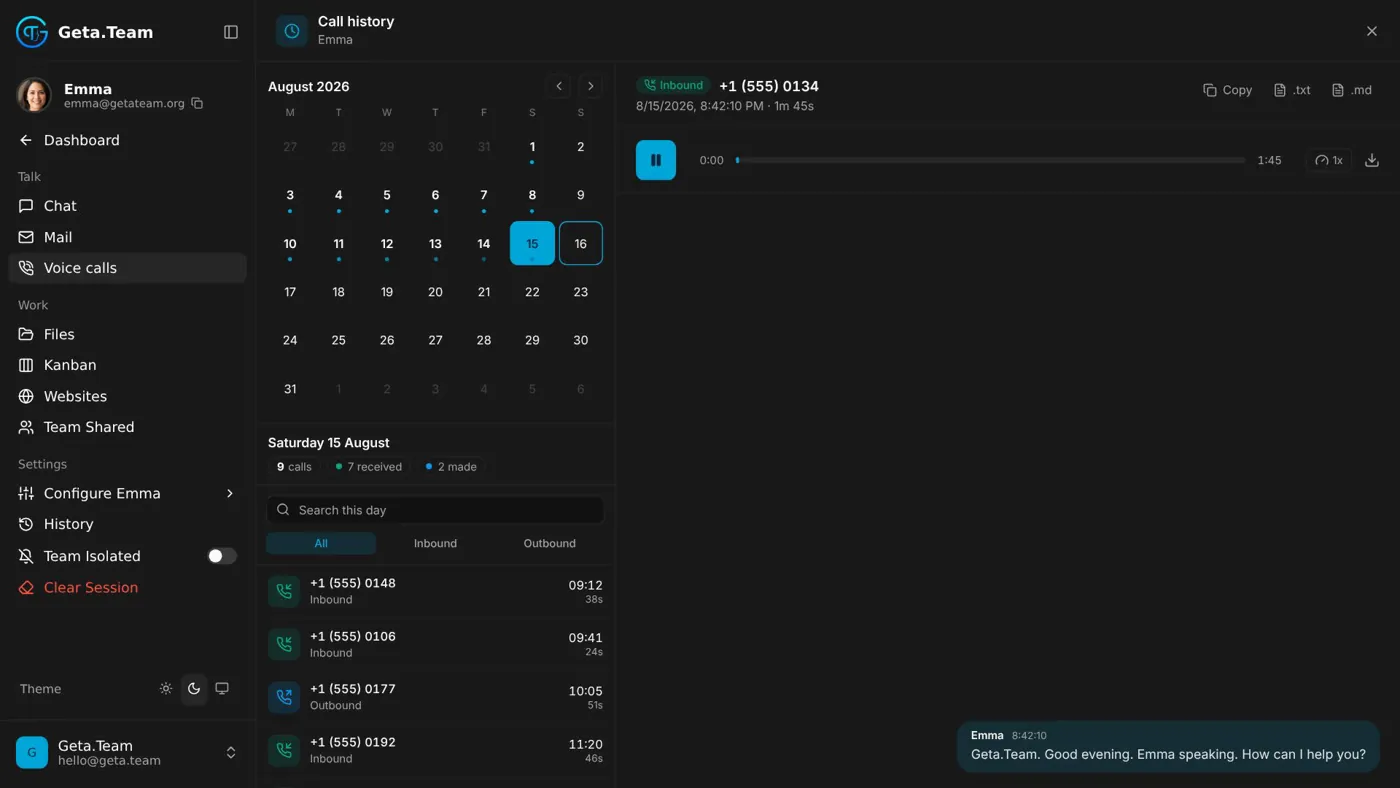
Read the docs →Inbound and outbound calls, transfer to a human, touch-tone menus, and every transcript saved to memory.
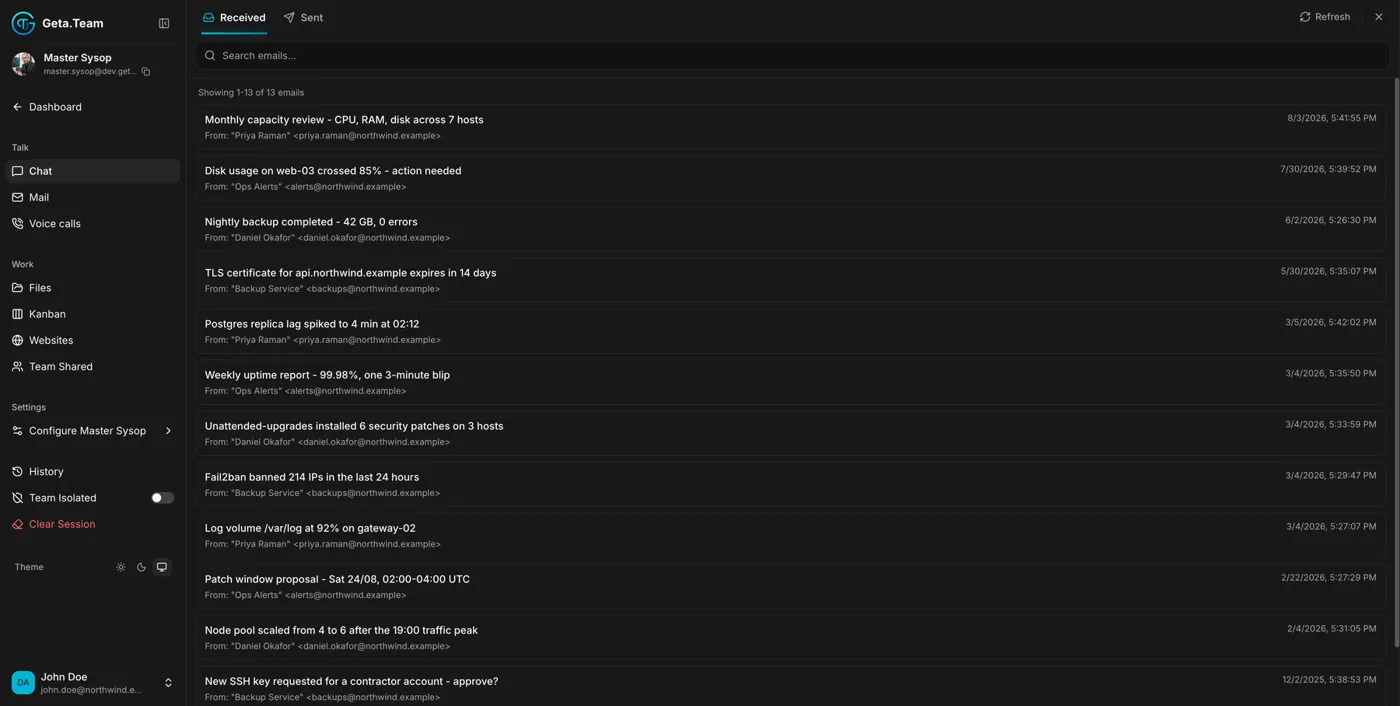
Read the docs →A real mailbox on your domain, with an allow-list of who may write to it.
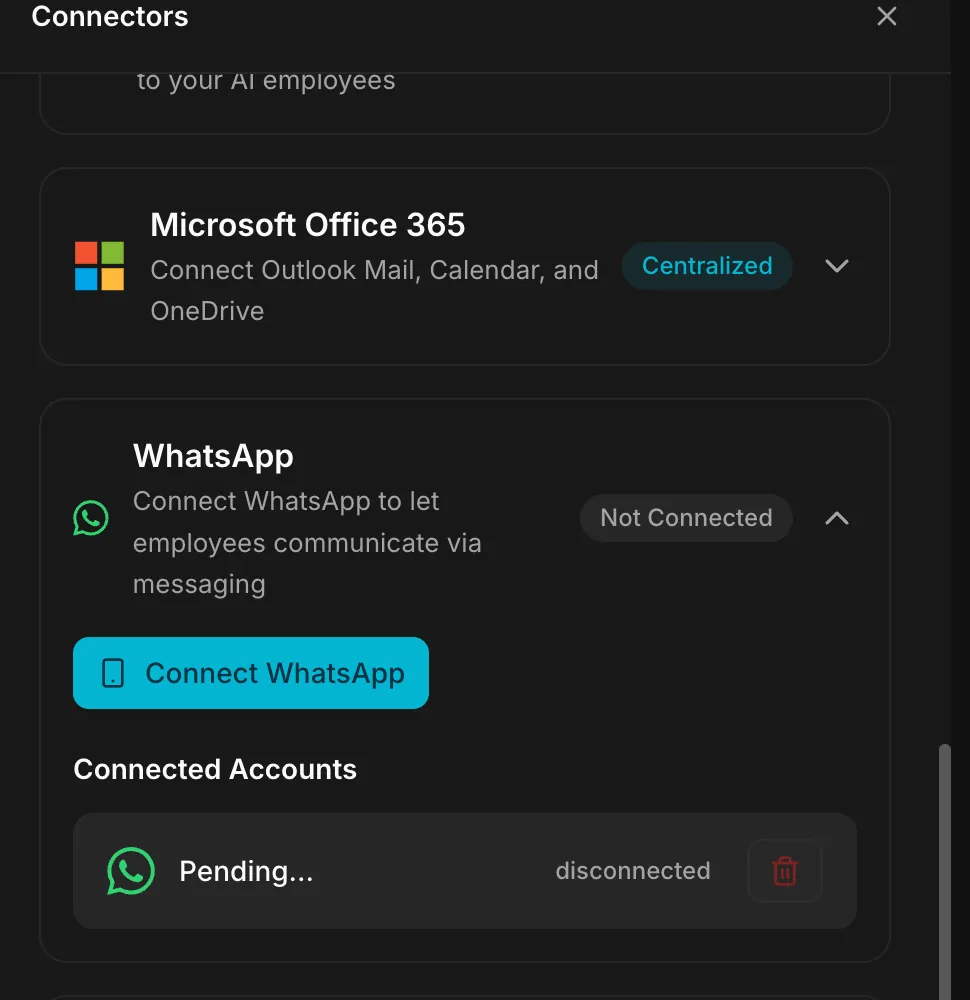
Read the docs →Link a number like WhatsApp Web, no Meta developer account, and add the employee to your WhatsApp groups. Telegram and Discord too.
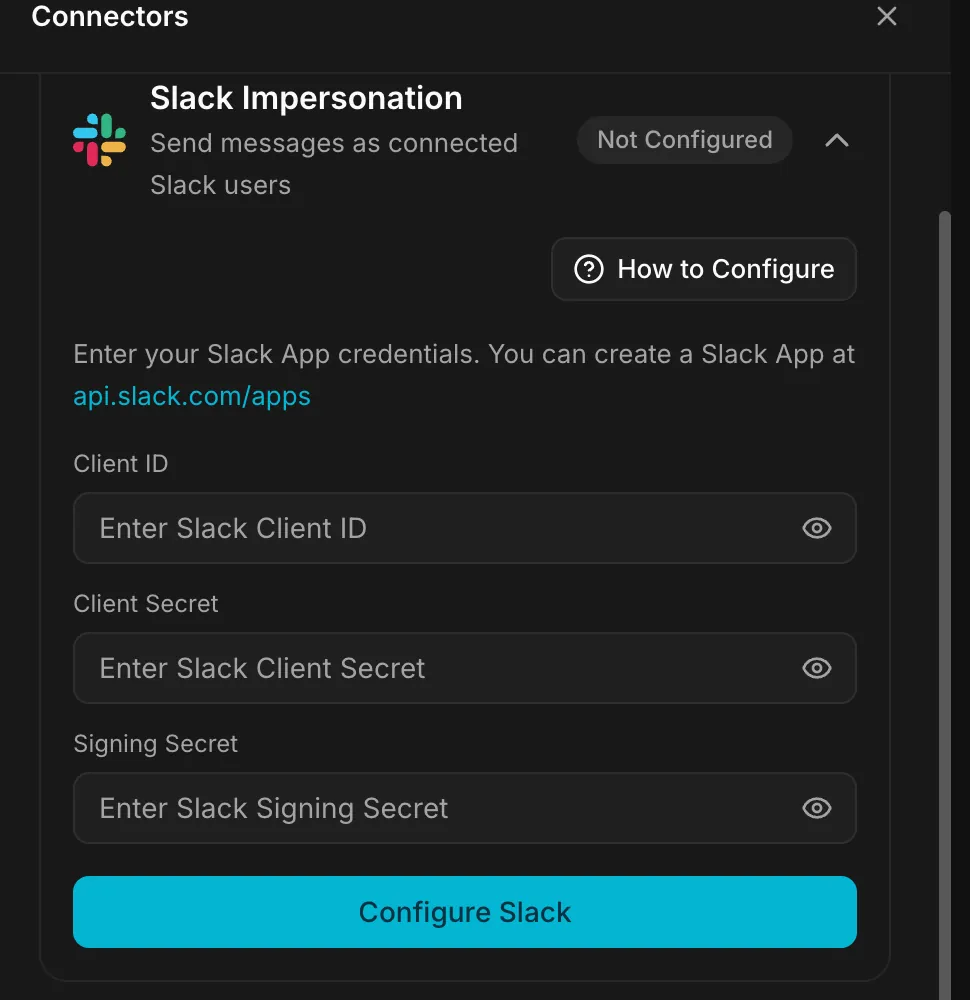
Read the docs →Slack and Teams as a named bot, or as a real connected user when the message must come from a person.
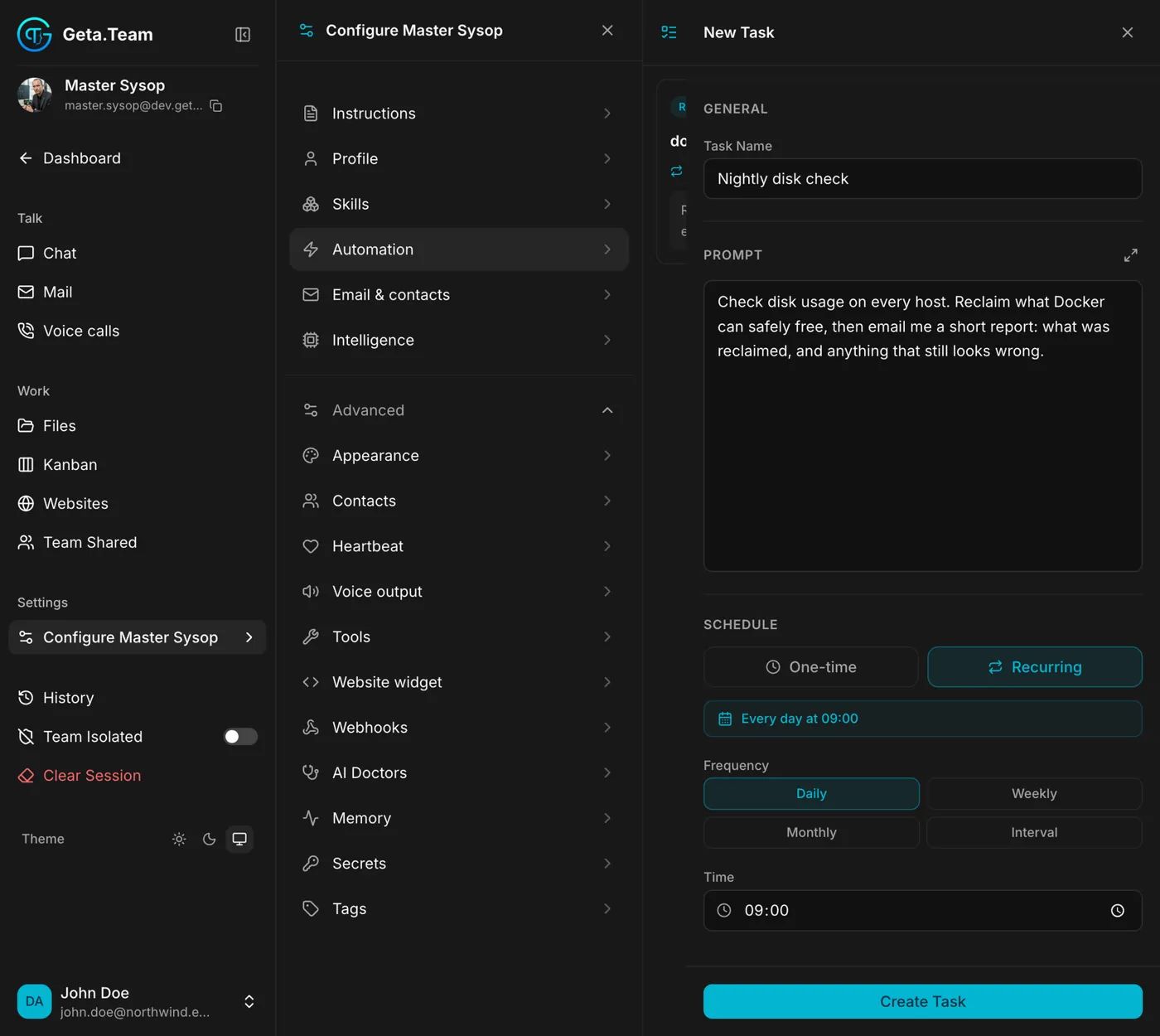
Read the docs →A widget that puts the employee on your site, in a safe public chat mode or with its full skills behind a login.
Read the docs →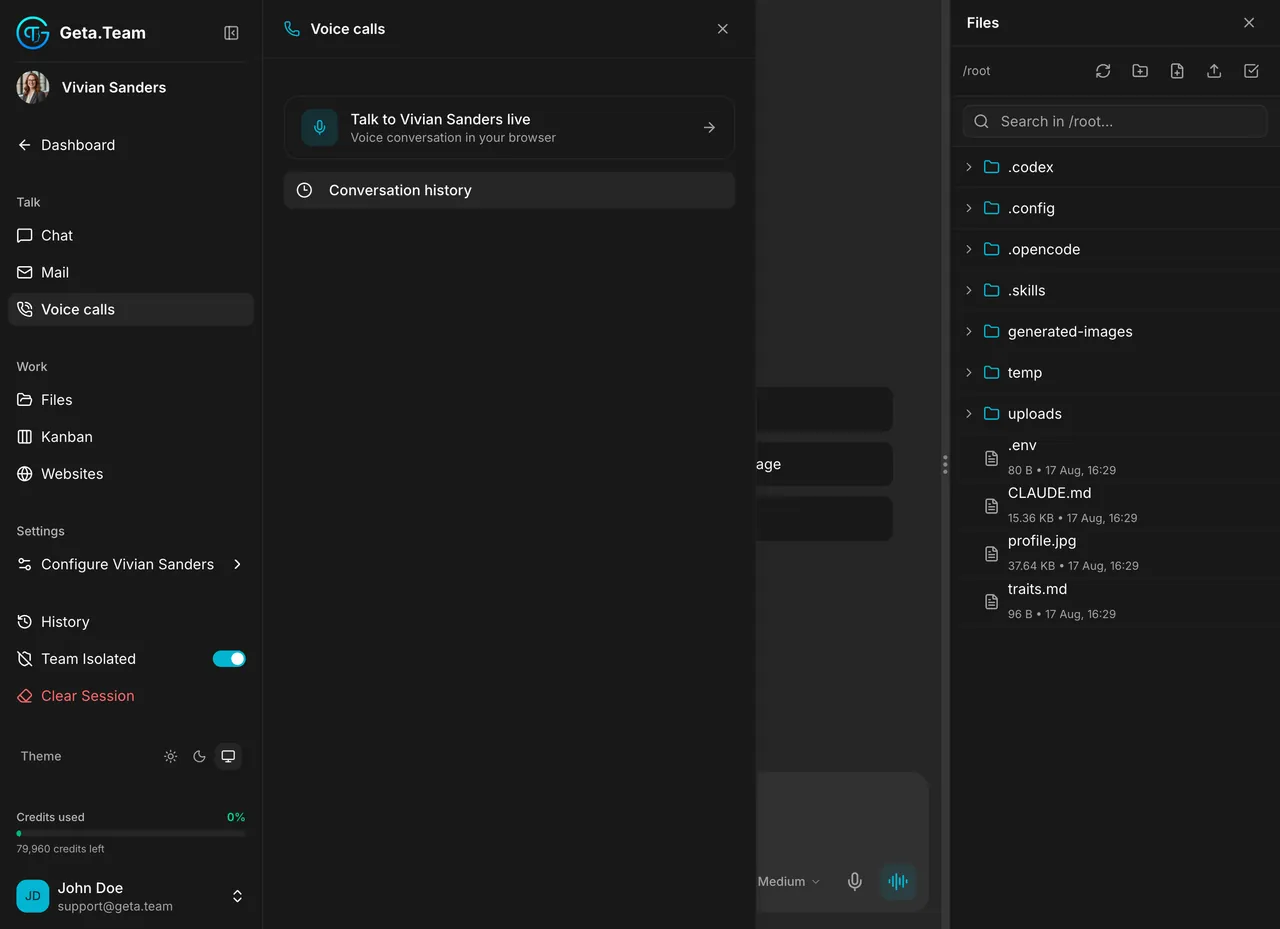
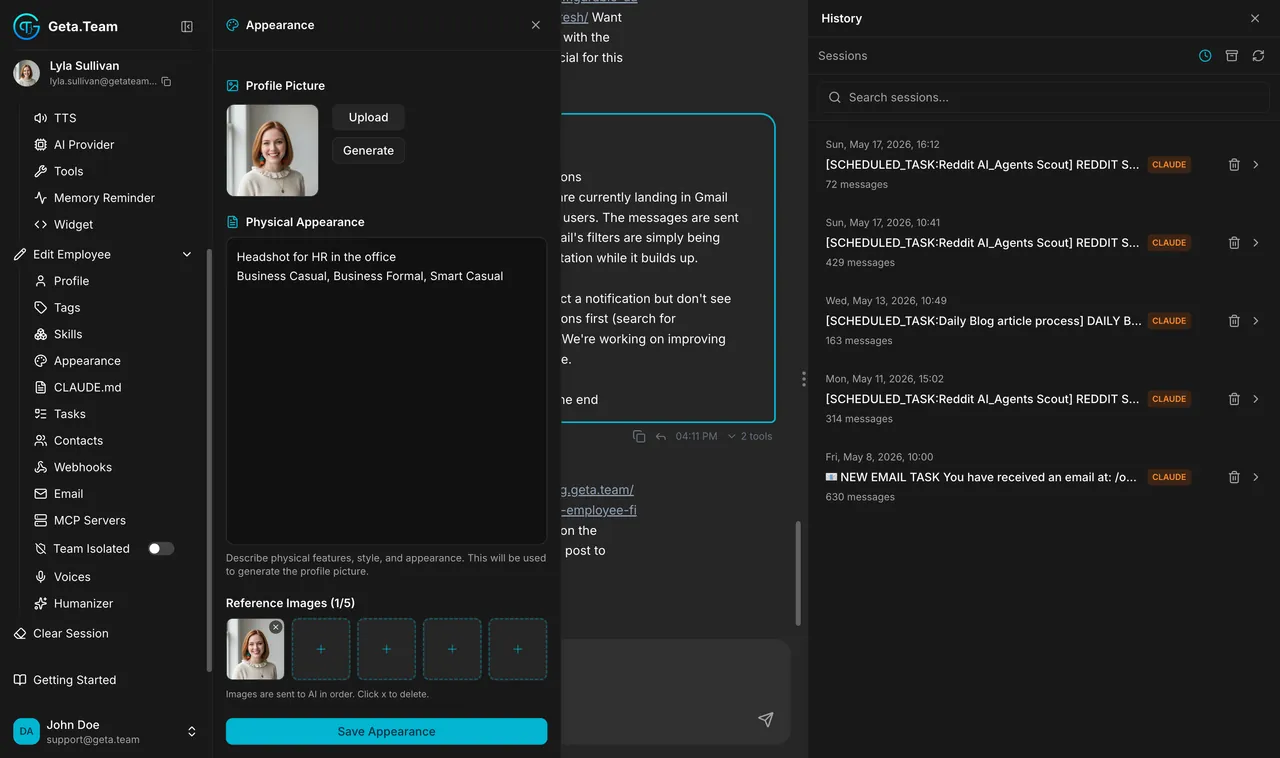
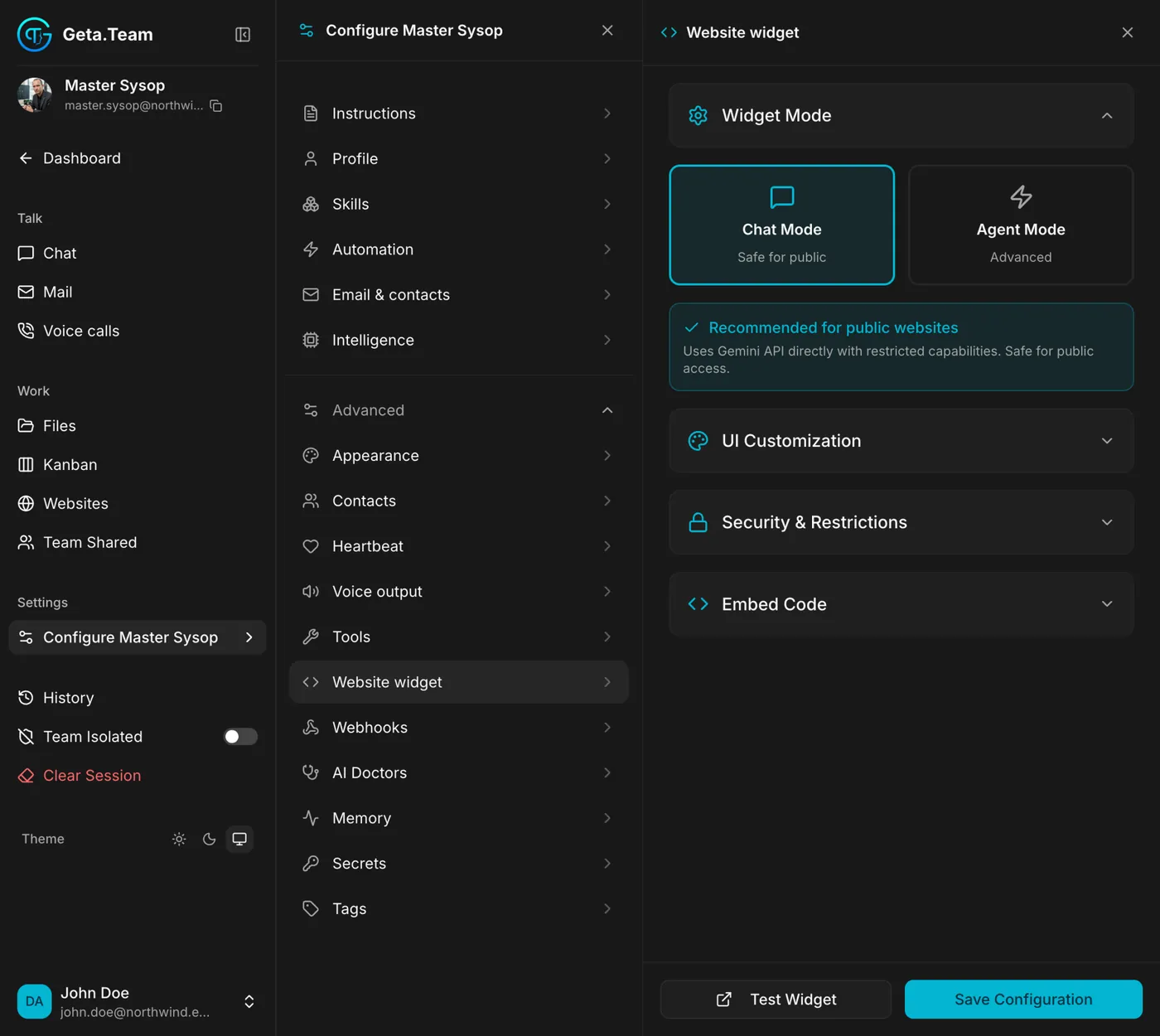
It wakes on a schedule, reads its checklist, and only speaks up when something matters.
Read the docs →Say "every morning at 8, check the backups" and it schedules the task itself.
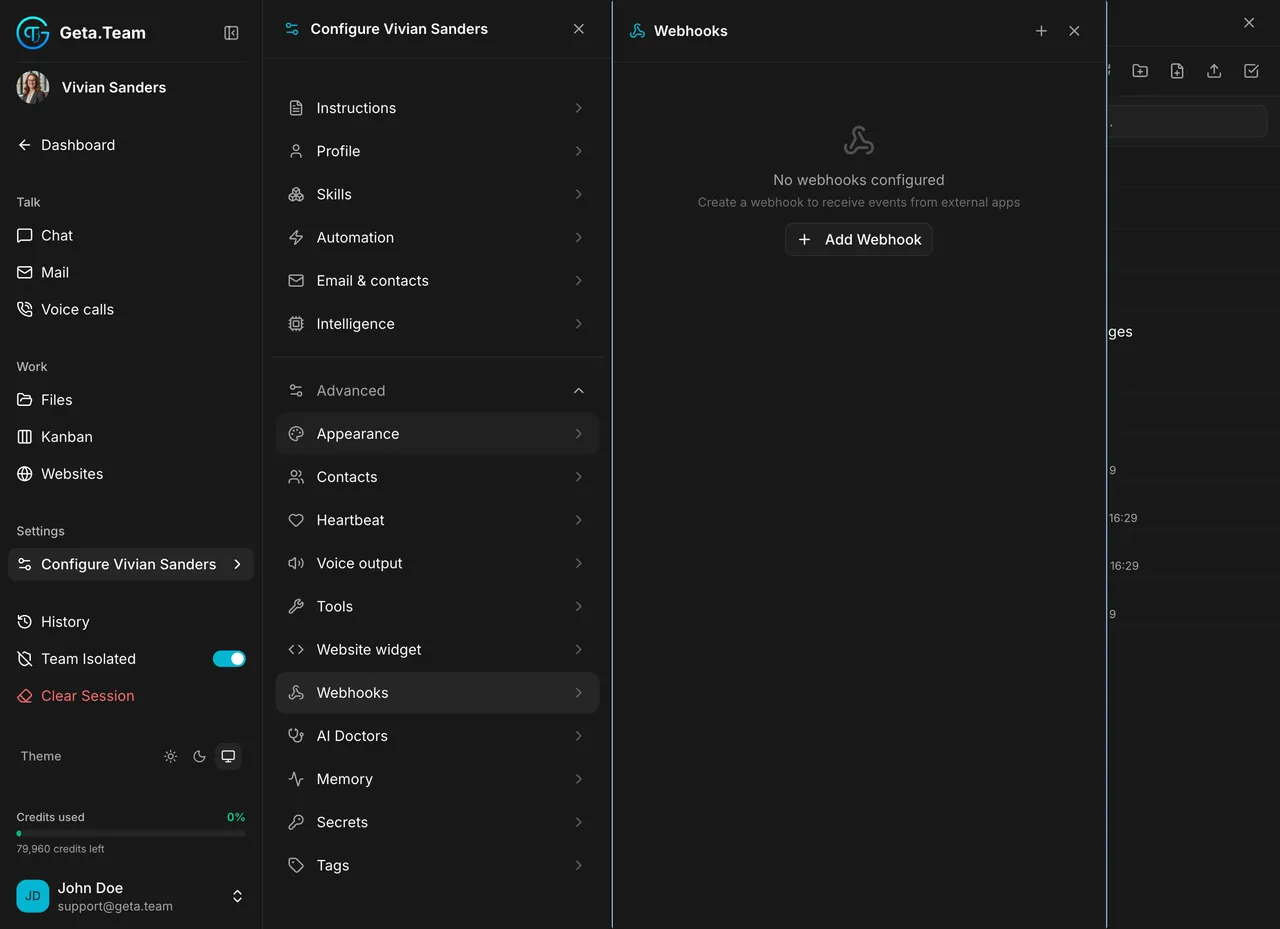
Read the docs →Stripe, uptime monitors, forms or your CRM fire a webhook, signed with HMAC, and the employee acts on it.
Read the docs →The desktop app drives native Windows and Mac software and local files, around the clock.
Read the docs →The Chrome extension works inside the accounts you are already logged into. No credentials stored.
Read the docs →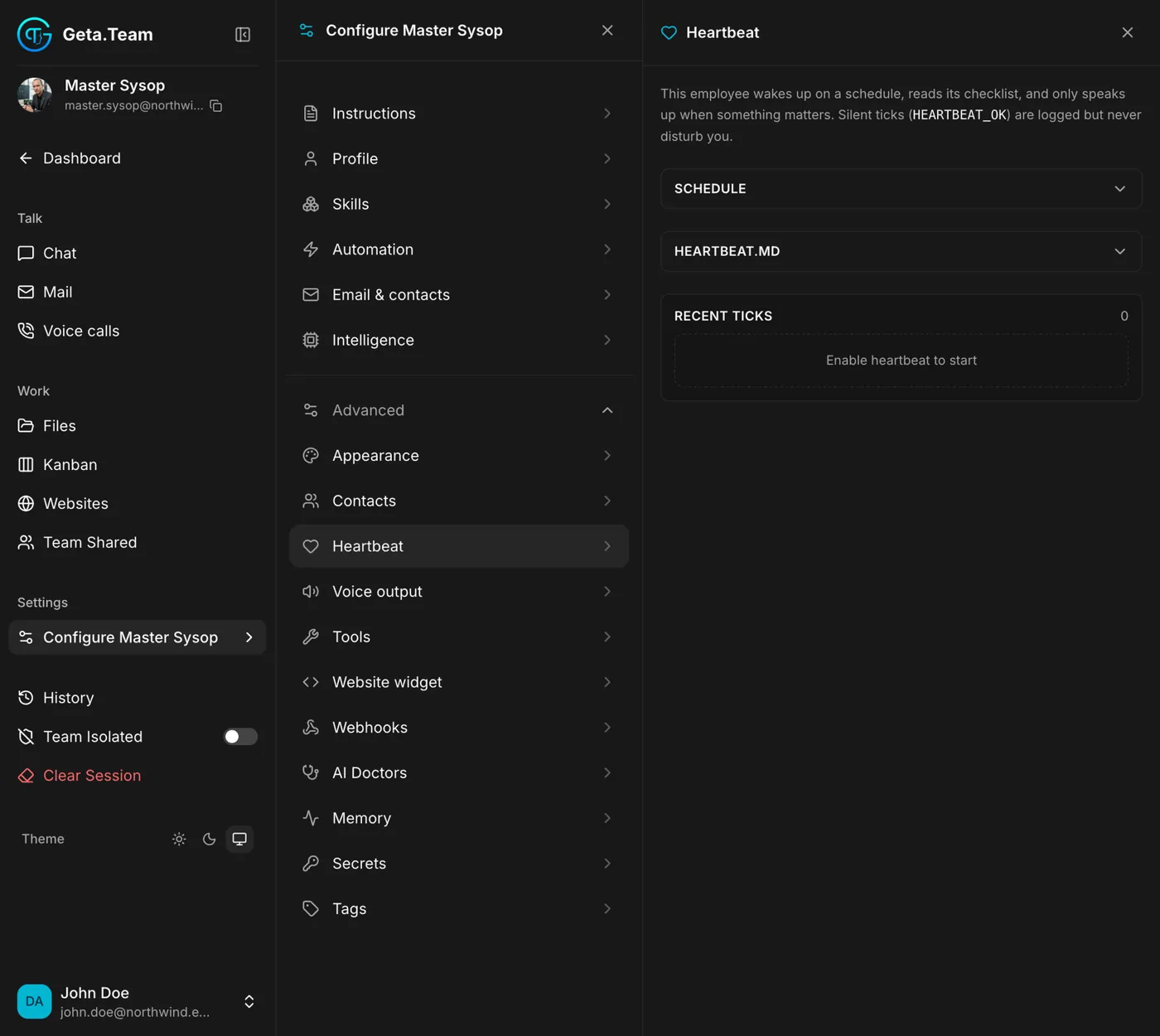
Web Publish ships sites and applications with their own server, database and real-time channels, on your own domain.
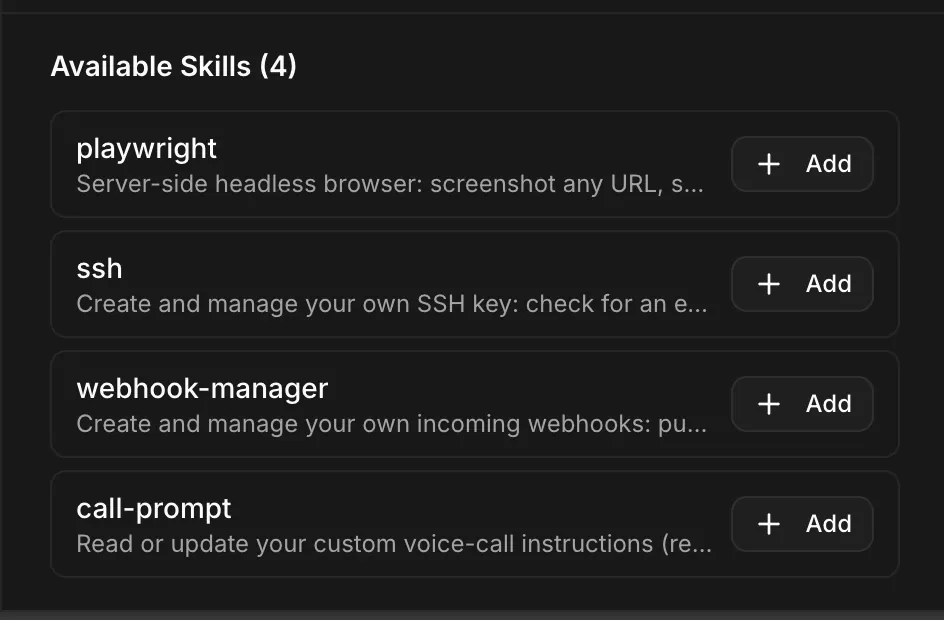
Read the docs →1,000,000+ skills through skills.sh, MCP servers like Notion or Linear in one click with OAuth, and skills an employee writes itself.
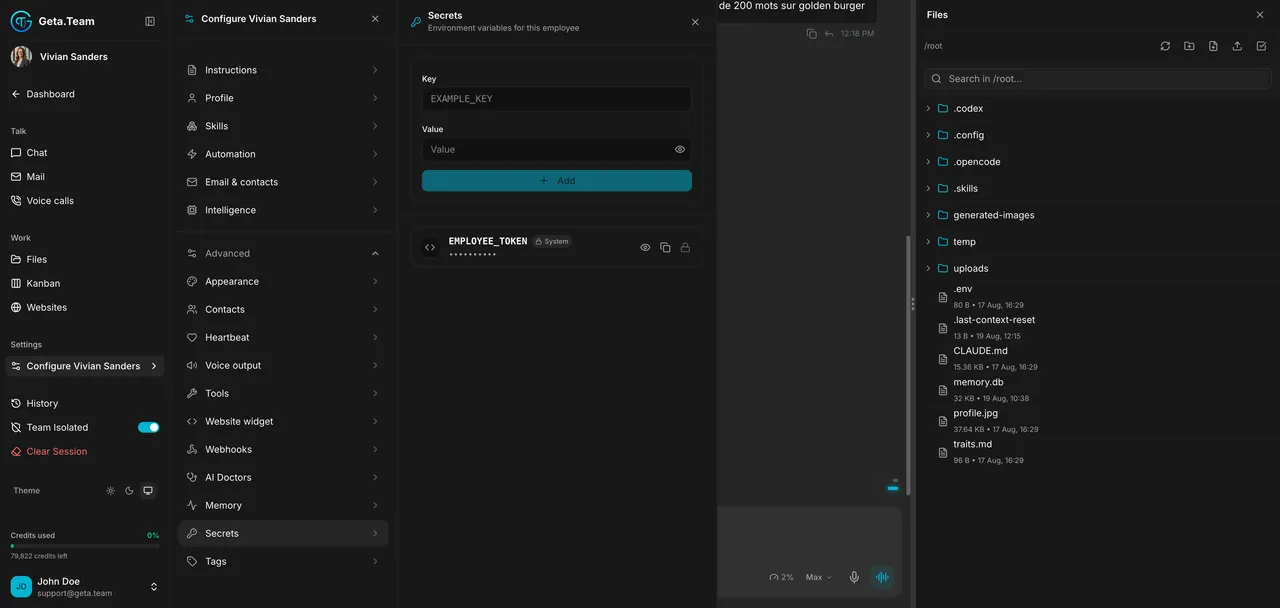
Read the docs →Generate a portrait from a description or reference photos, and give each employee its own voice.
Read the docs →Claude Opus 5.5, Fable 5.1, Sonnet 5, Codex on GPT-6 Astra: the model list follows your provider on its own, no update to wait for.
Read the docs →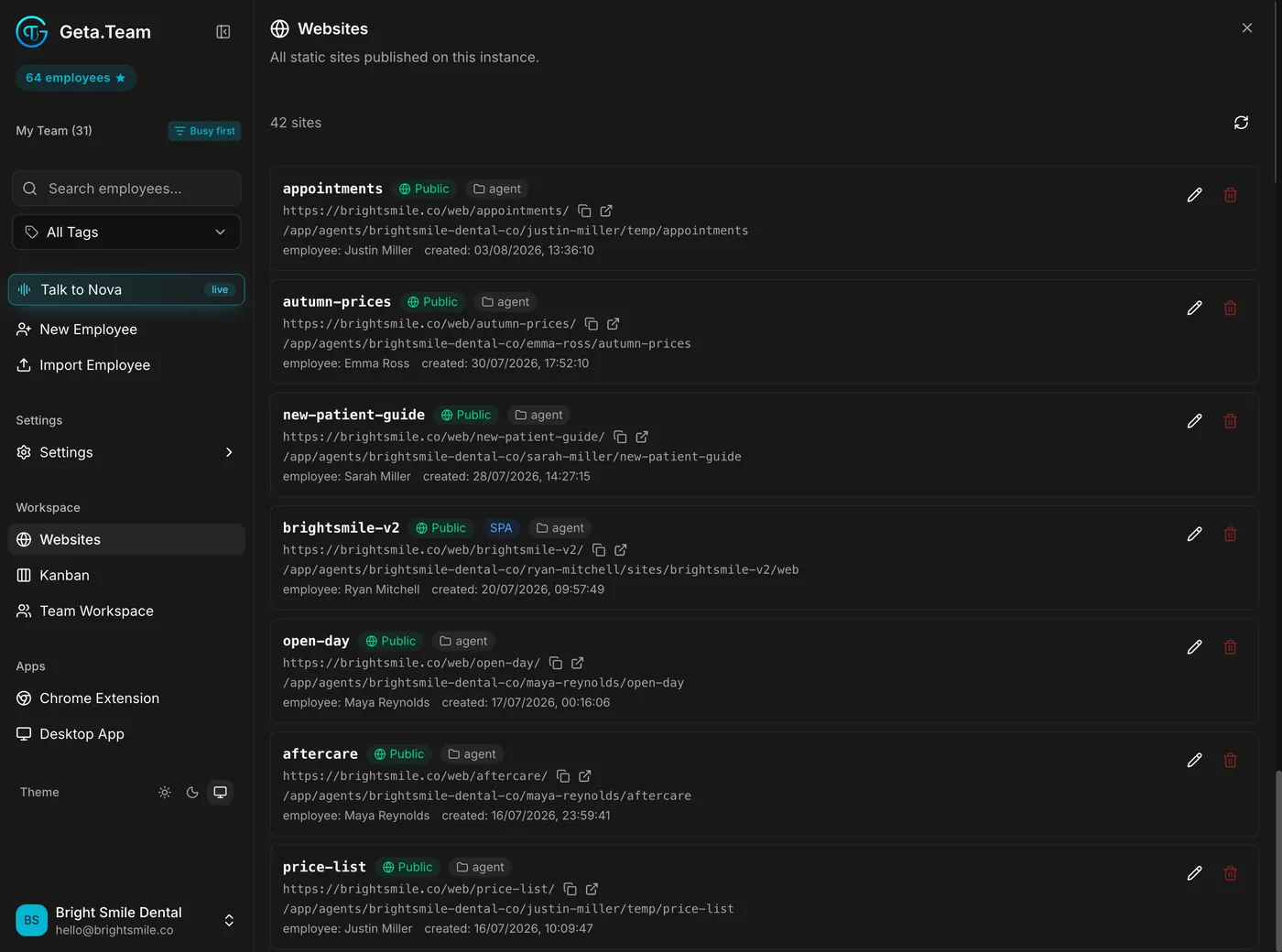
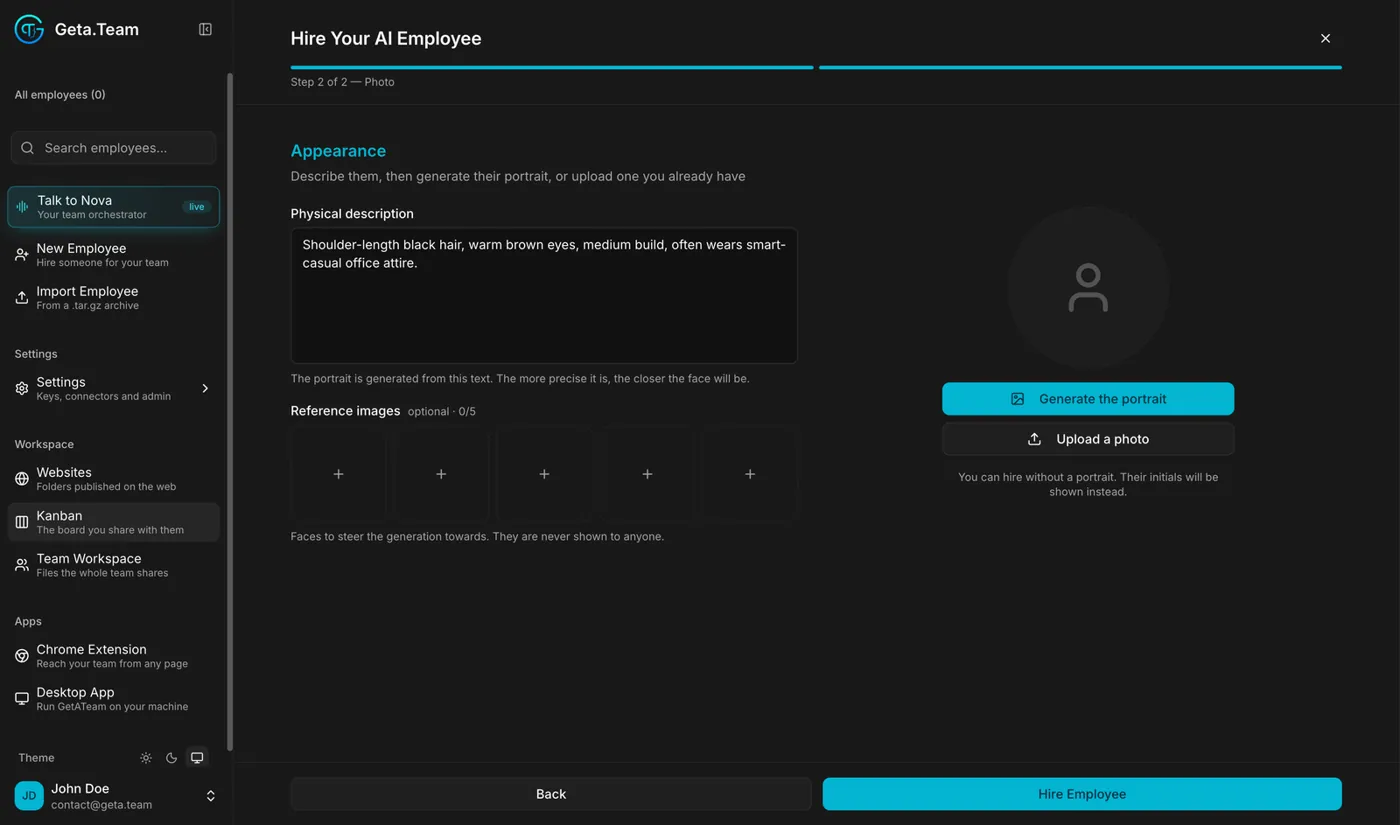
Every prompt, and every incoming email, Slack, WhatsApp or webhook, screened by a model separate from the agent.
Read the docs →Each employee keeps its own API keys and tokens. A key given to one is not shared with the others.
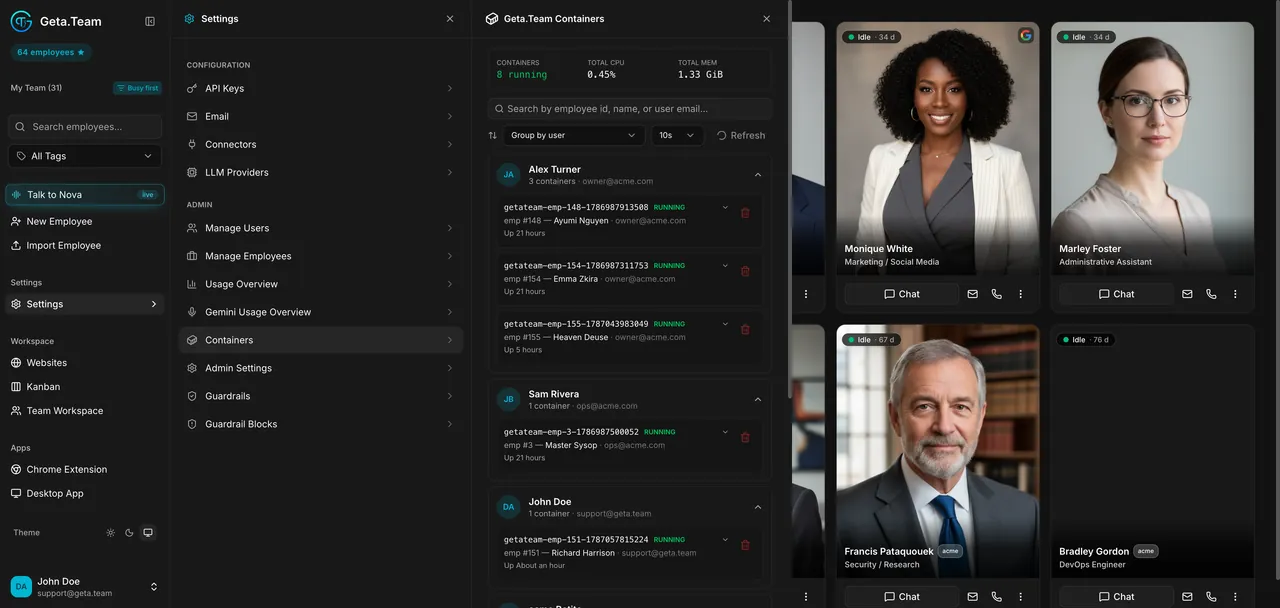
Read the docs →Each employee runs in its own container, with its CPU, memory and uptime visible to admins.
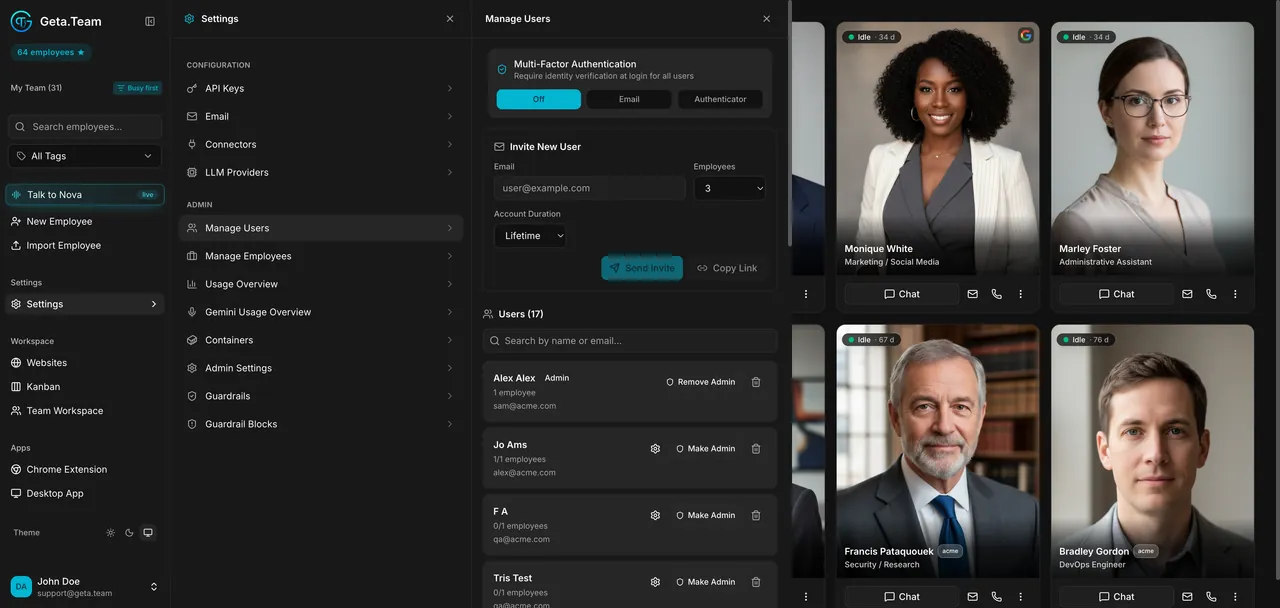
Read the docs →MFA for the whole workspace, invitations with employee quotas, and accounts that expire for contractors.
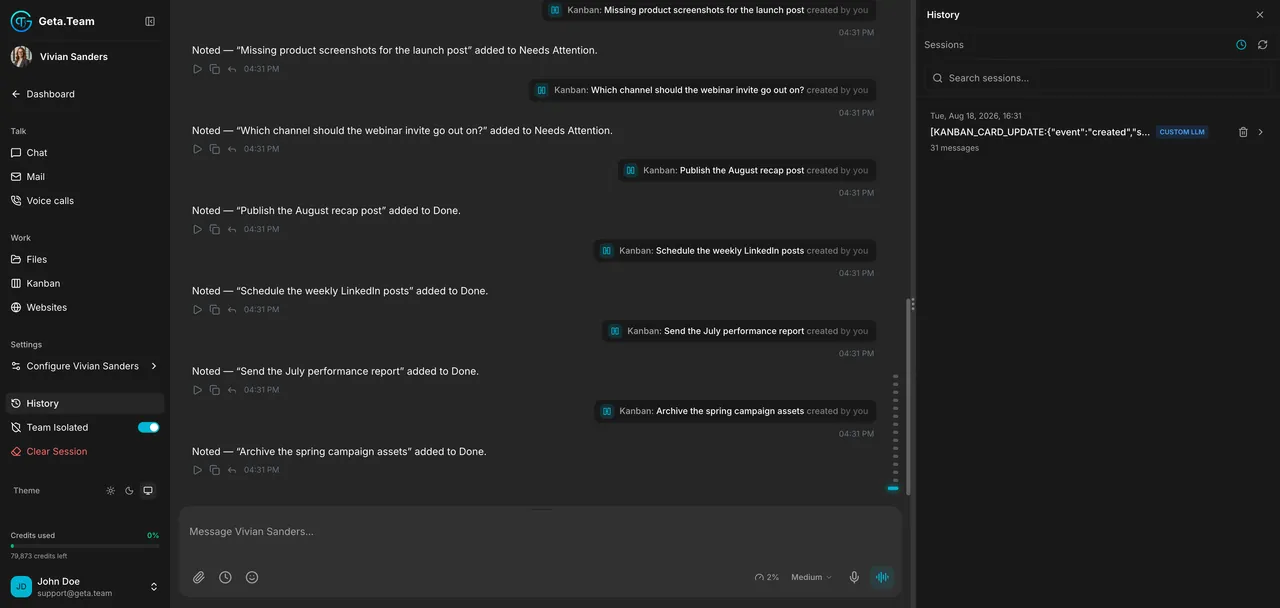
Read the docs →Every past conversation, kept and searchable, even after a session is cleared.
Read the docs →Employees work in around 100 languages, and the app itself in 10, including Japanese, Hebrew and Arabic right to left.
Read the docs →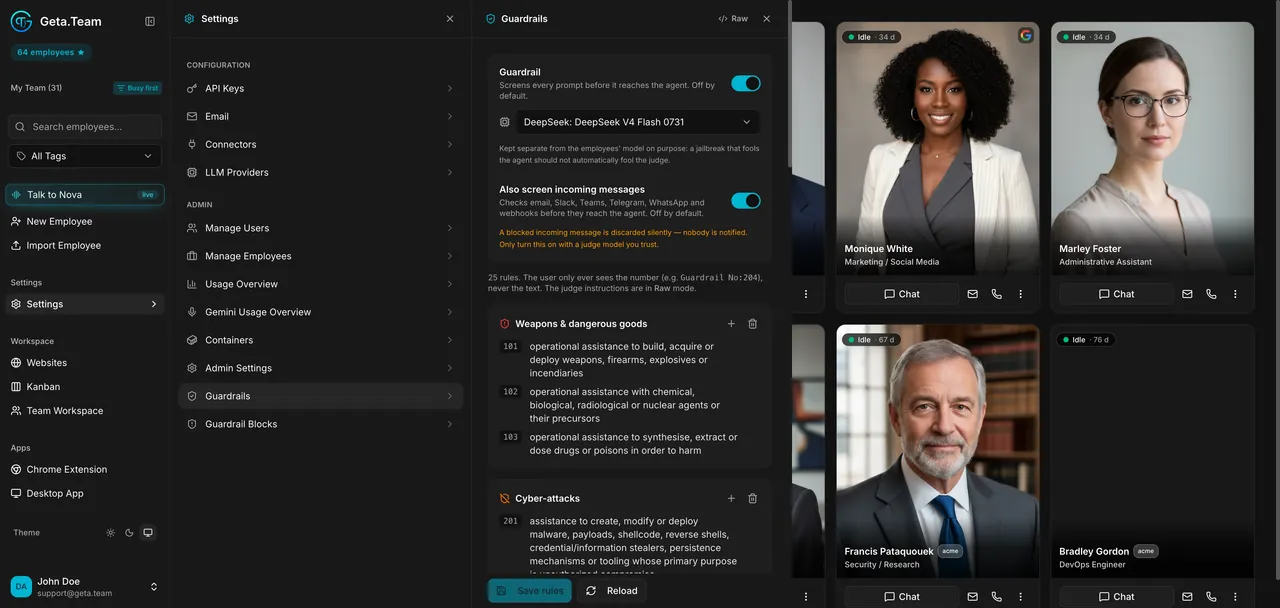
Your logo, name, colours and CSS, with our billing hidden. Resell AI employees under your own brand.
Read the docs →Run the full product on your own servers with your own model keys, from a flat $149/month licence.
Read the docs →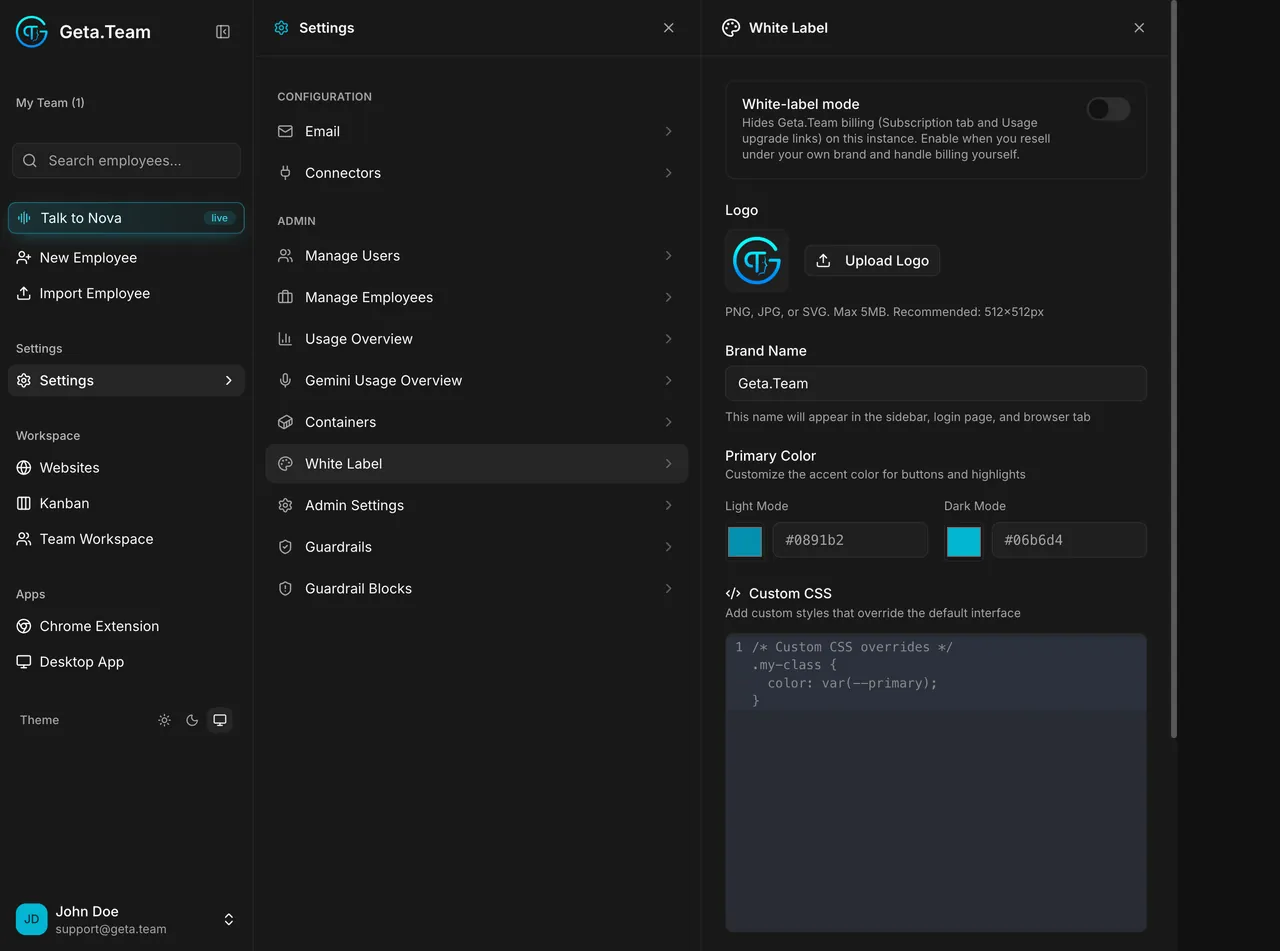
Grok Bot information comes from xAI's documentation (docs.x.ai), October 2026. Grok and Grok Bot are trademarks of xAI. Cursor is a trademark of Anysphere.
| Capability | Grok Bot | Geta.Team |
|---|---|---|
| Access and price | ||
| Price | •Included in paid Cursor plans (from $20/month) or SuperGrok (from $30/month), with a weekly usage allowance and on-demand usage billed on tokens | ✓BYOK from $149/month on your own subscription |
| Spending cap | ✕No Grok Bot-specific cap, account-level controls only | ✓Cost tracked per employee, in real time |
| Status | •Beta since 11 August 2026, Enterprise access rolling out | ✓Live today, documented at docs.geta.team |
| Data and model | ||
| AI model | ✕xAI's Grok models | ✓Your choice: GPT, Claude, Gemini, Grok or any OpenAI-compatible endpoint, local model |
| Where it runs | •Cursor's cloud. Data residency through Cursor's account team | ✓A dedicated server in Germany, France or the US, or your own servers |
| Self-hosting | ✕No. Teams can let some tasks run on members' own machines | ✓Yes, even air-gapped |
| Isolation between agents | ✕One computer per user: all Bots share its files, browser sessions and logins | ✓Each employee has its own secrets, permissions and mailbox |
| Your data and training | •Follows your Cursor privacy settings. Legacy Privacy Mode not supported | ✓Stays on your server. Never used for training |
| Where you reach it | ||
| Channels | •Desktop app (macOS, Windows, Linux), iOS and Android, @bot on X in some regions | ✓Slack, Teams, WhatsApp, Telegram, Discord, email, phone, web |
| Talks to your customers | ✕Built to work for its user | ✓Yes: email, WhatsApp, phone, website chat |
| Its own email address | ✕Works through your accounts | ✓Its own mailbox on your domain |
| What it can do | ||
| Works on its own | ✓Background work, routines and event triggers, approval for sensitive actions | ✓Schedules, Heartbeat, webhooks, and a separate guardrail model |
| Several agents | ✓Several Bots in parallel, on the same computer | ✓A whole team, coordinated by Nova, each on its own role |
| Computer and browser | ✓A cloud computer with a browser, files and a terminal | ✓Browser, terminal and SSH on its own server |
| White label and resale | ✕No | ✓Yes, under your own brand |
As of 12 October 2026. Grok Bot is in beta and changes quickly: we will update this page as it evolves.
If you already pay for Cursor and want a personal agent that uses a computer for you, Grok Bot is very handy.
A browser, files and a terminal that keep working when your laptop is closed.
macOS, Windows, Linux, iOS and Android, synced across your devices.
Record a task of up to ten minutes and it learns the steps.
According to xAI, the computers Bots work on run in Cursor's cloud, one persistent microVM per user. Data residency commitments go through Cursor's account team. Geta.Team runs on a dedicated server in Germany, France or the US, or on your own machines.
No. xAI's FAQ says the computer is assigned per user, not per Bot: all your Bots share its files, browser sessions and logins, and separate Bots should not be treated as a security boundary. In Geta.Team, each employee has its own secrets and permissions.
It follows your Cursor privacy settings: with Privacy Mode on, xAI says customer data is not used for training. Legacy Privacy Mode is not supported. Geta.Team never trains models on your data.
Yes. Connect xAI's API as an OpenAI-compatible endpoint and choose Grok for the employees you want, next to GPT, Claude, Gemini or a local model.
There is no standalone subscription. It is included in paid Cursor plans and SuperGrok plans, with a weekly usage allowance and on-demand usage on top, and no Grok Bot-specific spending cap.
About three minutes to deploy a first employee on the free trial, and with Enterprise Premium, a live 2-hour onboarding with a human to wire it to your tools.


A whole team of AI employees, on your own server, on the model you choose.
Start free trial Book a demo