
Your whole team, one tap away
Every AI employee you hired is right there: sales, support, marketing, assistant. Pick one and start talking.
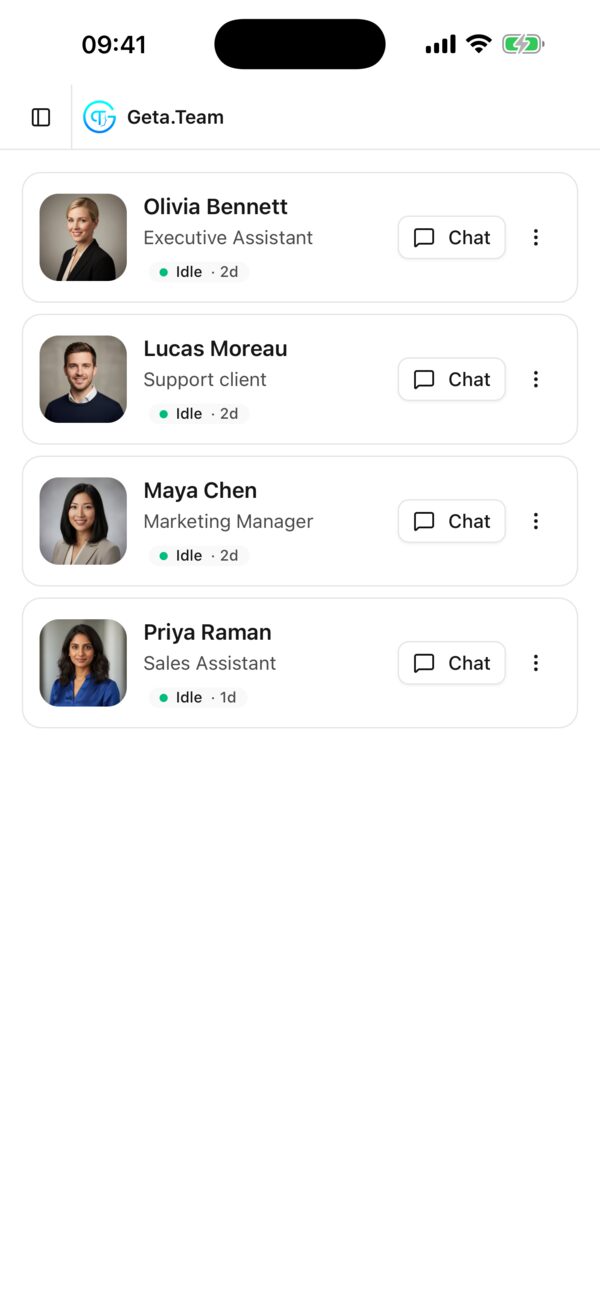
Chat with your AI employees, hand them work, and get a push notification the moment it is done, even with the app closed. From the train, from a client's office, from your sofa.
 Coming soon on theApp Store
Soon
Coming soon on theApp Store
Soon
Real screens from the app, on our demo workspace. Scroll to walk through it.
Every AI employee you hired is right there: sales, support, marketing, assistant. Pick one and start talking.
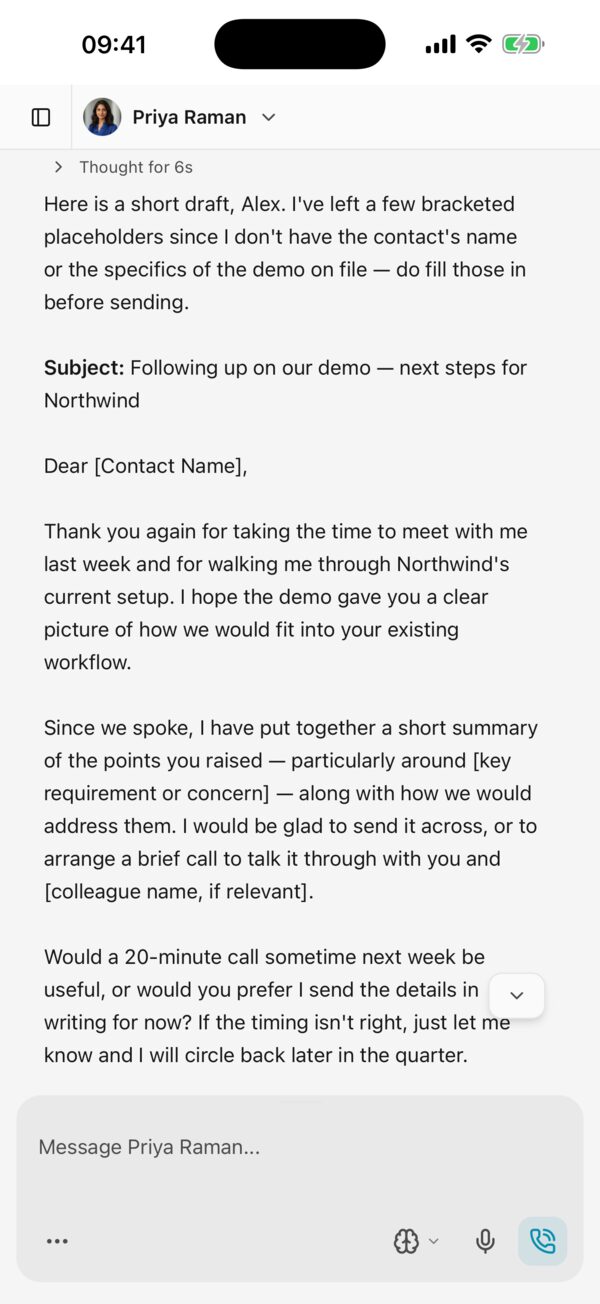
Ask for a follow-up e-mail, a summary, a plan. Priya drafts it in seconds, ready for you to send or adjust.
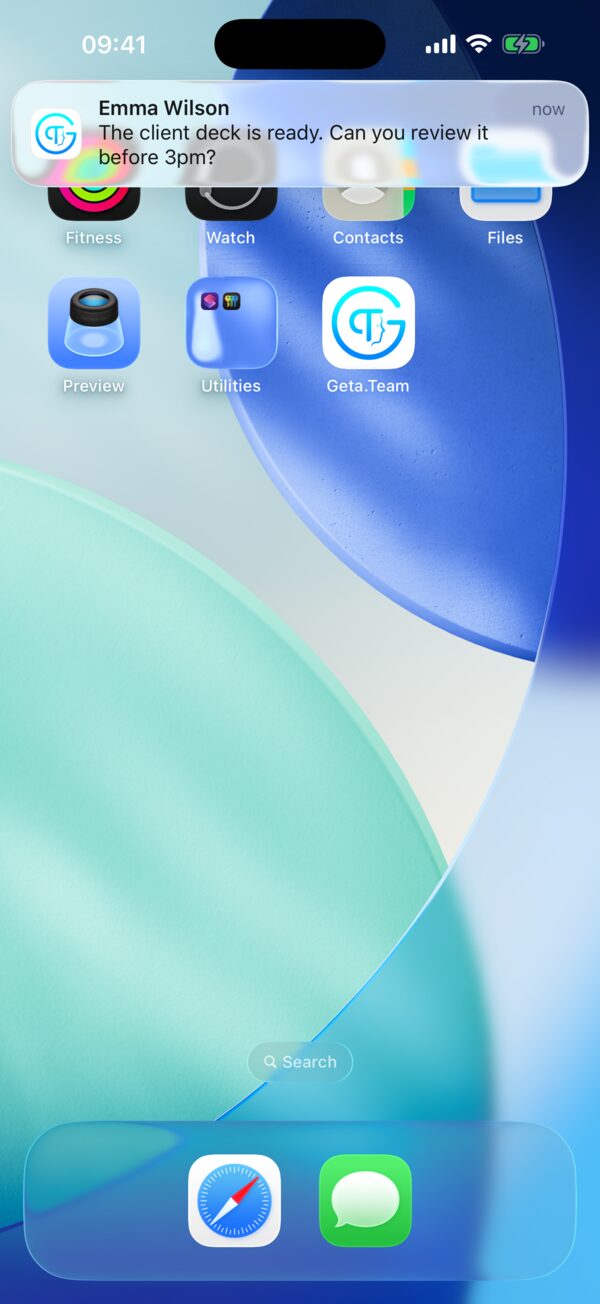
A push notification lands on your phone, even with the app closed. One tap and you are in the conversation.
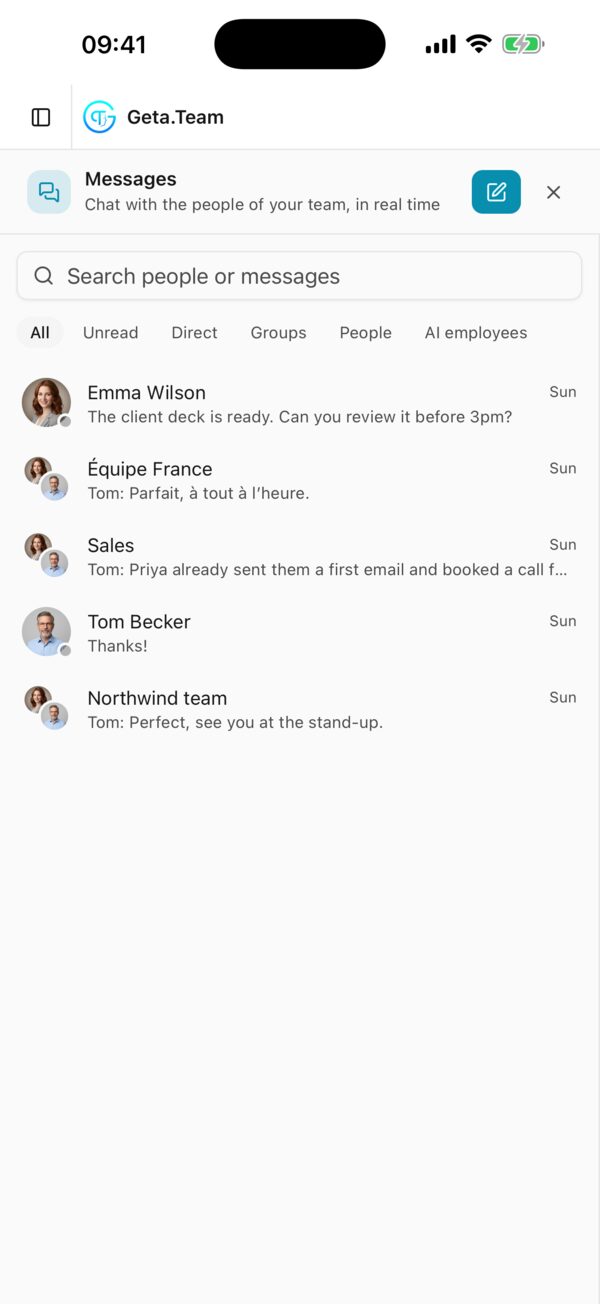
Direct messages and groups with the people of your team, next to your AI employees, in one inbox.
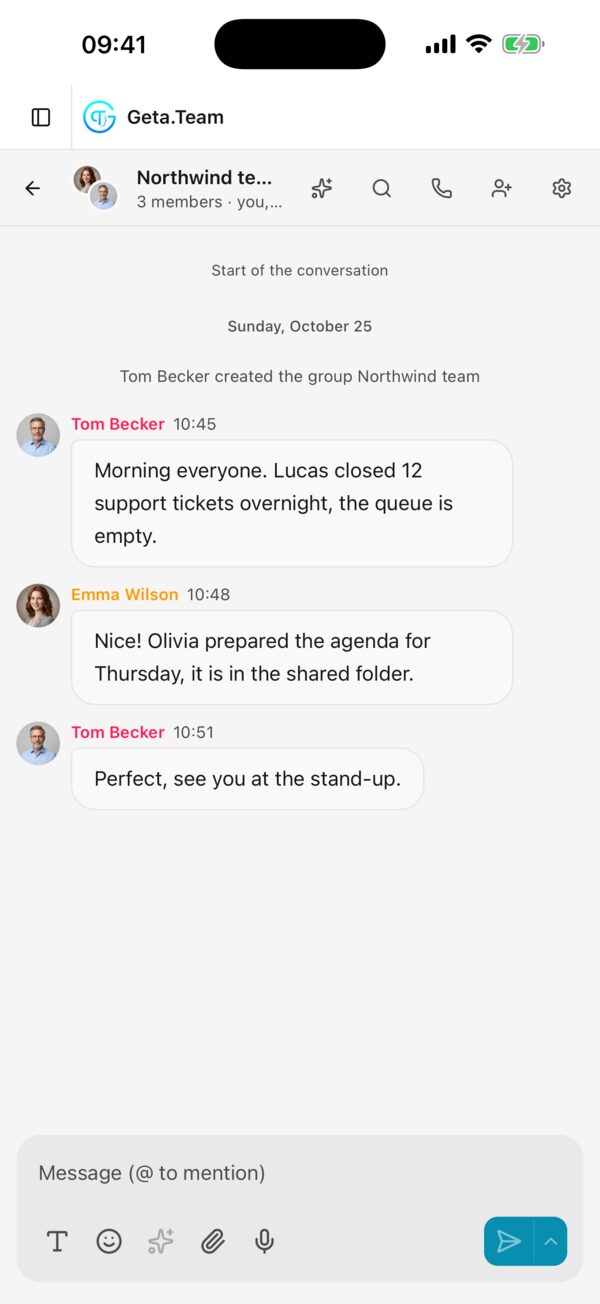
People and AI employees in the same conversation: the work moves forward while you are on the go.
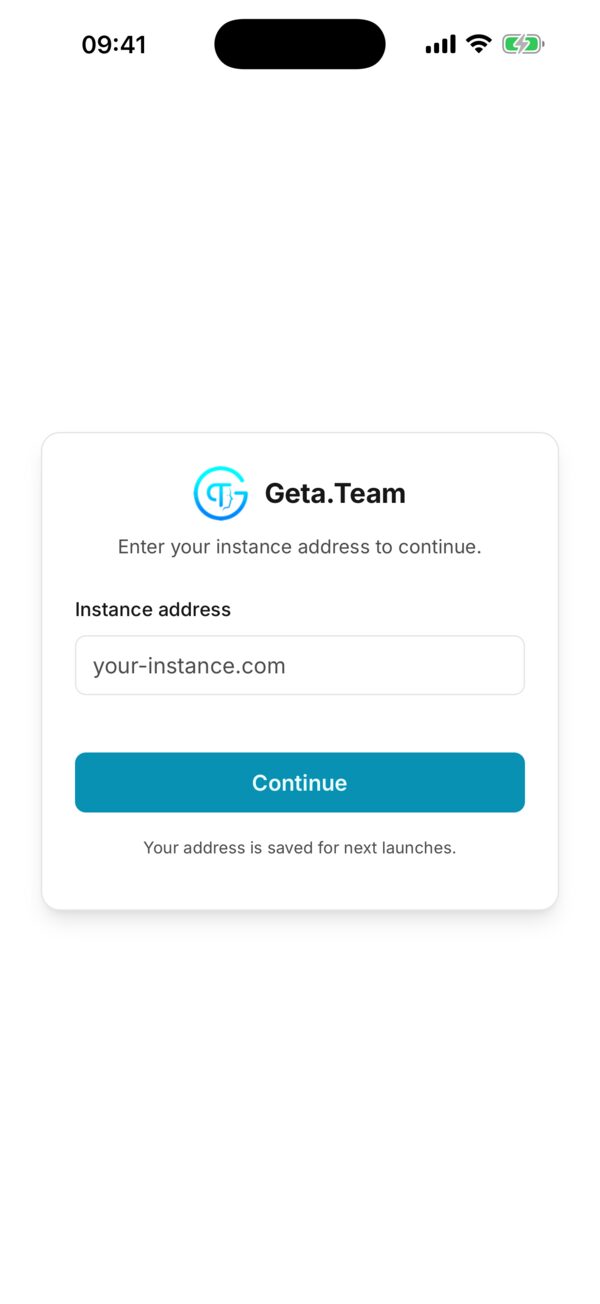
Enter your workspace address, sign in with your usual account, and your team is in your pocket.
The app opens your real Geta.Team workspace: the same employees, the same conversations, the same files, wherever you left them.
Ask, delegate, correct. Your employees answer in the app exactly as they do on your computer, with their memory of everything you told them.
An employee tells you when a long task is done, when a result you waited for has arrived, or when it needs you. Never for the small steps.
Open the quote, the report or the summary an employee just made, and send it a photo or a document from your phone.
Call an employee from its chat, and join your video meetings with audio, video and screen sharing. Incoming calls ring full screen, even with the phone locked.
Switch from one workspace to another without signing out. Notifications come from all of them, and a tap opens the right workspace on the right conversation.
Start a conversation on your phone and finish it at your desk, in the browser or the desktop app. Everything follows you.
Your employees work while you do something else. When the work is finished, or when they are stuck and need you, a push notification lands on your phone, on the lock screen. Tap it and you are in the conversation. You decide when and how.
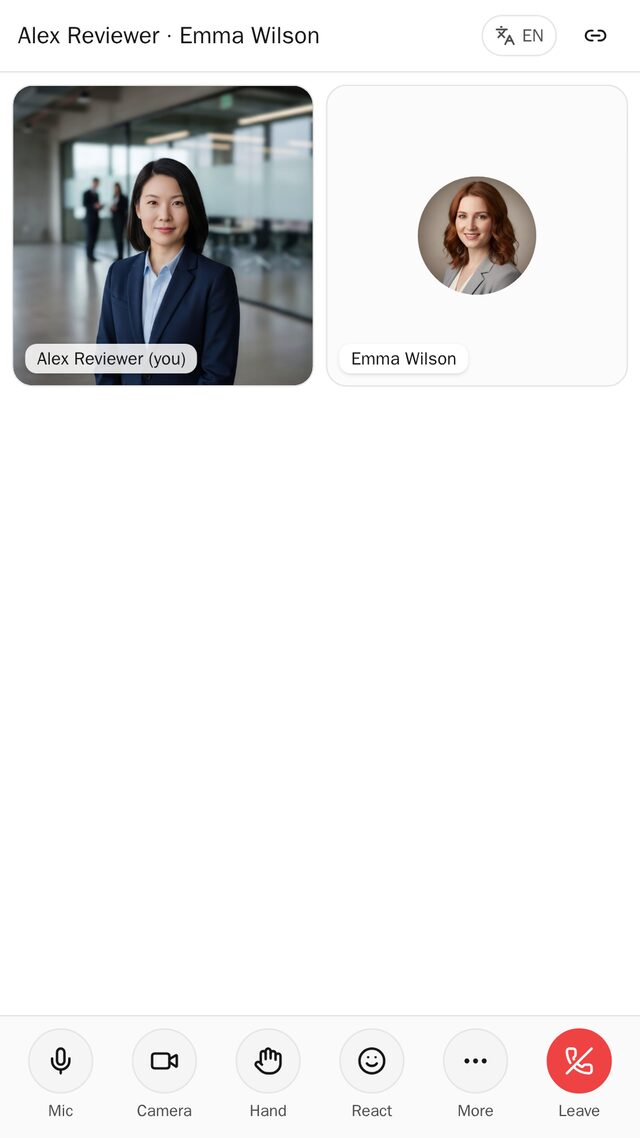
Your employees are not only in writing. Call them, or meet them on video, straight from your phone.
Made for your phone, so your team can reach you, and you can reach them, in a second.
Your employees reach you on your phone, even when the app is closed and the screen locked.
Tap a notification and you land straight in the conversation it is about, ready to answer.
Geta.Team gets its own icon, next to your other apps. Your team is one tap away.
Full screen, built for touch, smooth on Android.
Quiet hours, the levels that may reach you, grouping or a daily summary: you decide.
Show only who and when, and keep the content for when you open the app.
No new account, no setup. The app connects to the workspace you already have.
Get Geta.Team – AI Employees on Google Play.
Enter your workspace address and sign in with your usual account.
So your employees can tell you when the work is done. You can also turn them on later from your account menu.
The iPhone app is on its way to the App Store. Until then, your workspace works in Safari: open it and add it to your home screen.
Download the app and keep your AI employees one tap away.
Coming soon on theApp Store
Soon