Video call an employee and it answers with a live, lip-synced face made from its photo, with its tools and its memory. Then ask it for a talking-avatar video for Reels or a real motion-design film for LinkedIn.
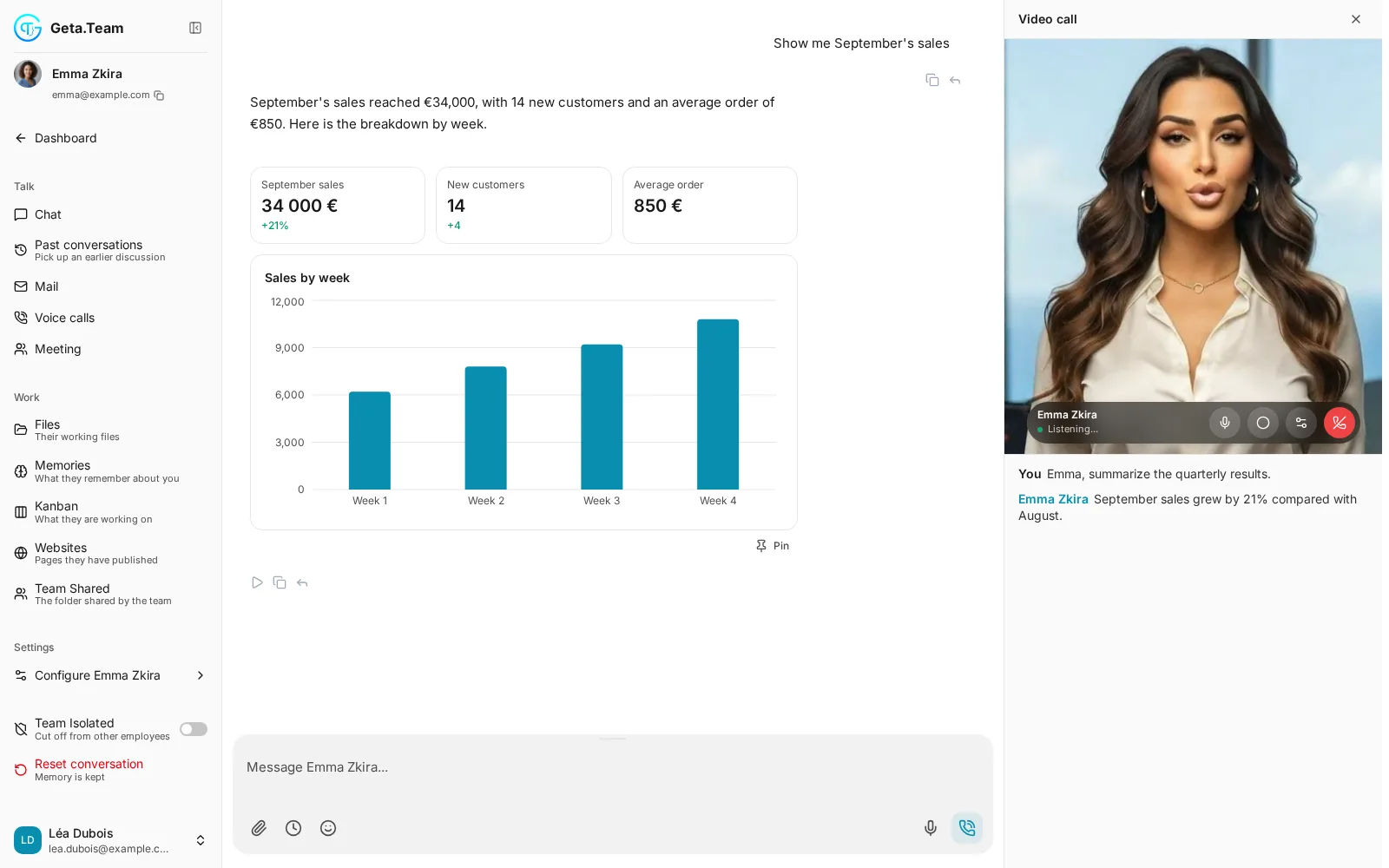
Some conversations go better face to face: a demo, a debrief, a quick check before a client meeting. The video call is the same employee, with the same tools and memory, and a face that looks you in the eye.
Talks, but you see a waveform.
Talks, works and appears.
Nothing to set up per employee: its profile photo is the avatar. It rings, chimes when the employee answers, and only then opens your microphone.
A live, lip-synced face in the right-hand panel, framed so it is never cropped, with a live transcript of both sides below.
Same tools, same memory of the conversation, same language and voice as a voice call. It can look things up and do the work while you talk.
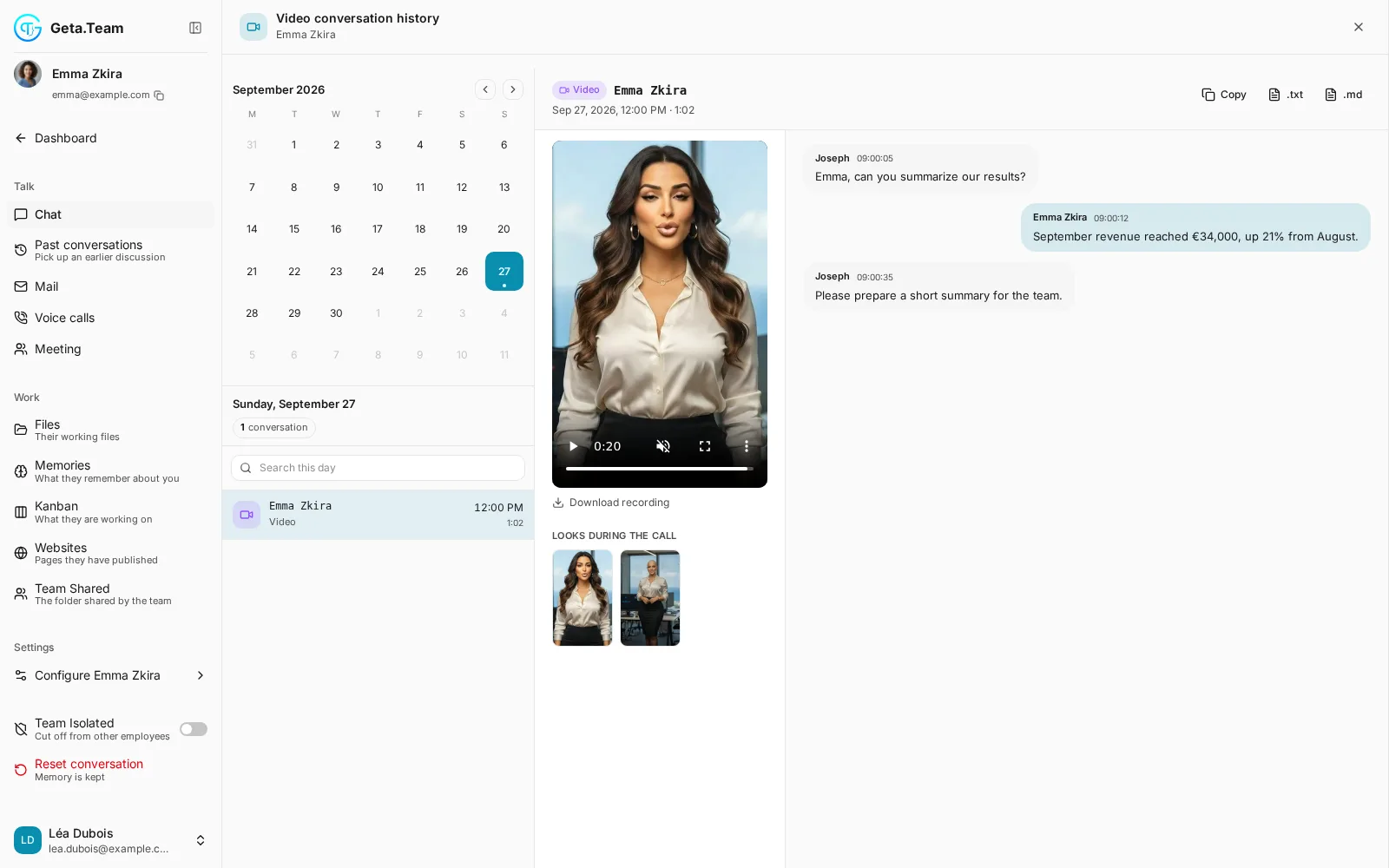
Record the call, and every look generated during it stays in its files. The history shows the recording and the transcript side by side.
Ask for a different outfit, a new hairstyle, sunglasses, or a new setting like Tokyo at night. The new look appears on the video about ten seconds later, and changes stack. “Go back to normal” brings the usual look back.
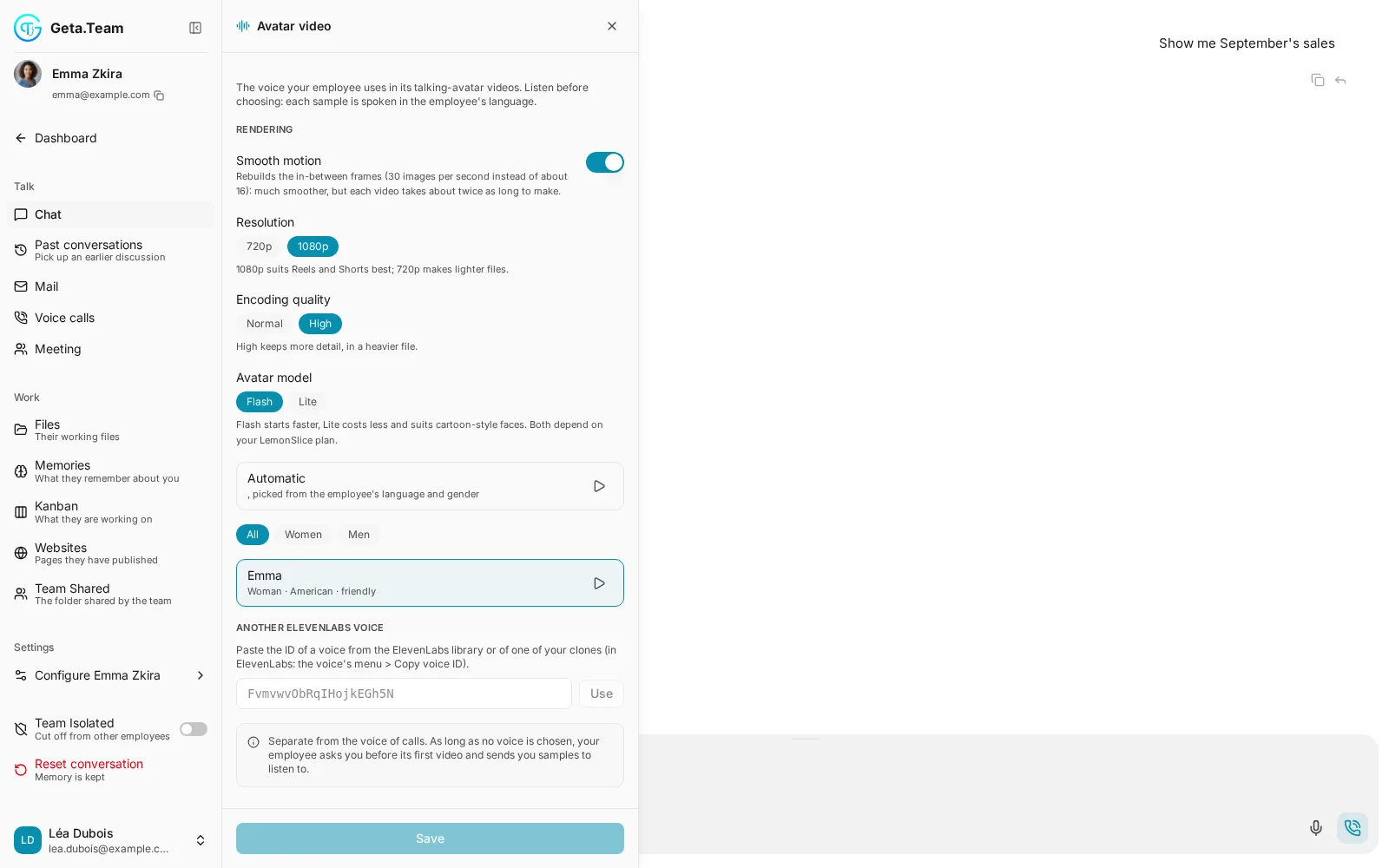
Give your employee a script and it gives you back a short MP4 with the lips in sync, in 9:16 for Reels, Shorts and Stories, in 1:1 or 2:3. The language follows the employee, and you choose its video voice by ear.
With the Remotion skill, your employee makes launch videos, product explainers and ads, from 15 to 90 seconds.
Video avatars are billed by the minute: admins are unlimited, everyone else gets the monthly allowance an admin sets. If someone runs out mid-call, the conversation carries on as a voice call.
On every call the employee never claims to be a human and never makes up an answer. If it does not know, it says so and offers to check.
It changes its look only when you ask, and refuses honestly what the image model cannot do, like changing the face itself or using a brand.
Asked directly, it says plainly that it is an AI, keeping its name and personality. No call script can override that rule.
The avatar session closes the moment a call ends, however it ends: hang-up, closed tab or lost connection.
In the employee's sidebar, below Voice calls.
It answers with its face and its voice.
“Make a 40-second video for our new offer.”
Start a video call, change its look, and let it make your next video.
