Video meetings built into every Geta.Team instance. Your team, your guests and your AI employees in one room. Say an employee's name and it answers, puts the chart on screen, sends the follow-up, and leaves with the action items already on the board.
Most decisions are made in meetings, and until now your AI employees heard about them second-hand. Now they sit in the room, hear the discussion, and do the work that comes out of it.
Gives you a recording and a transcript.
Gives you the work, done.
Meetings run on the video server that already ships with your instance. There is nothing extra to install.
Open Meetings in the sidebar, give it a title, choose Now or Later, and pick who attends: your employees, members of your team, and guests by email. You get a link to share.
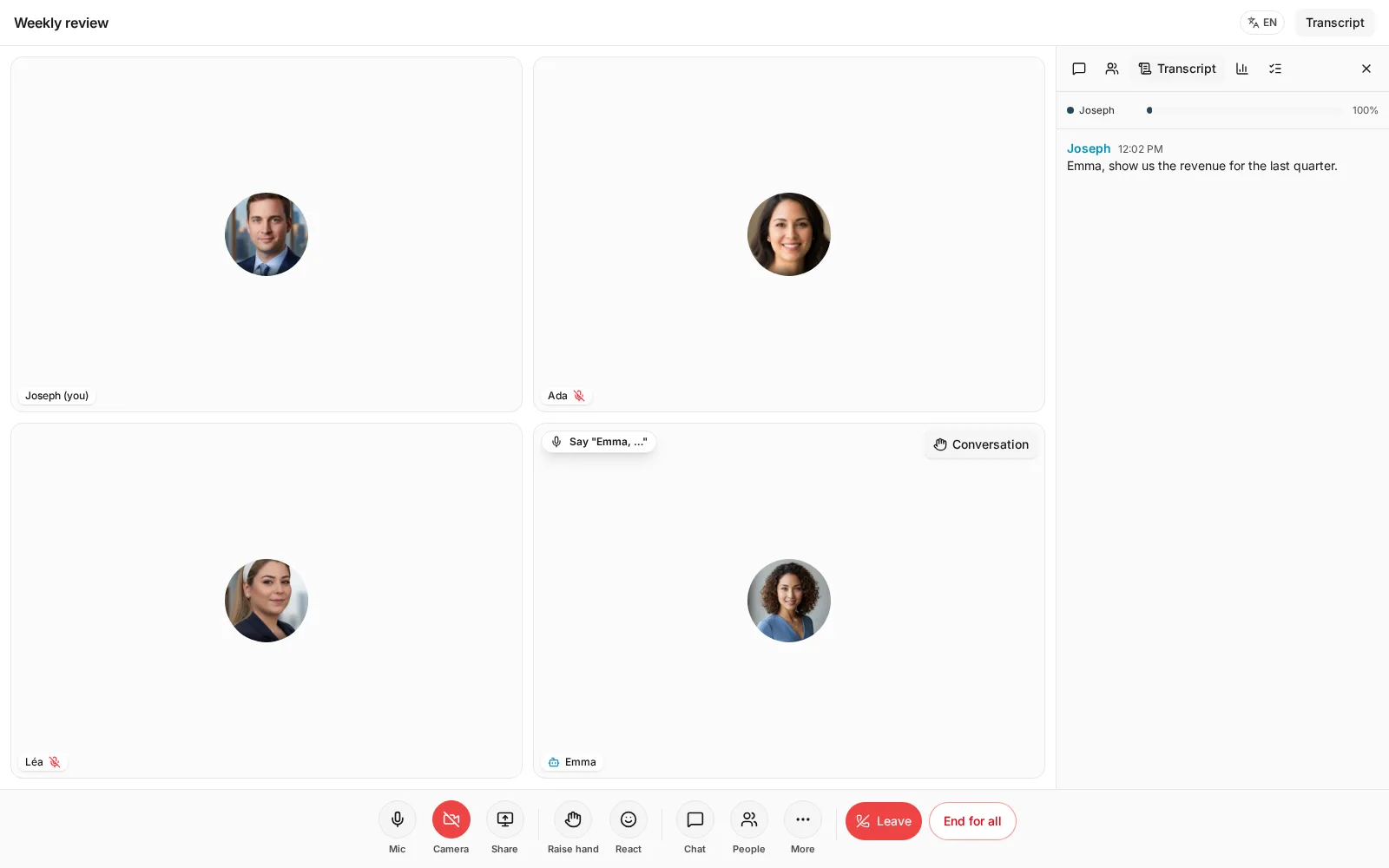
Anyone can say "Emma, …" and Emma answers, in its own voice. It listens to that person's microphone only, ignores anything without its name, and needs its name again after each answer. In a noisy room, the Talk button on its tile does the same.
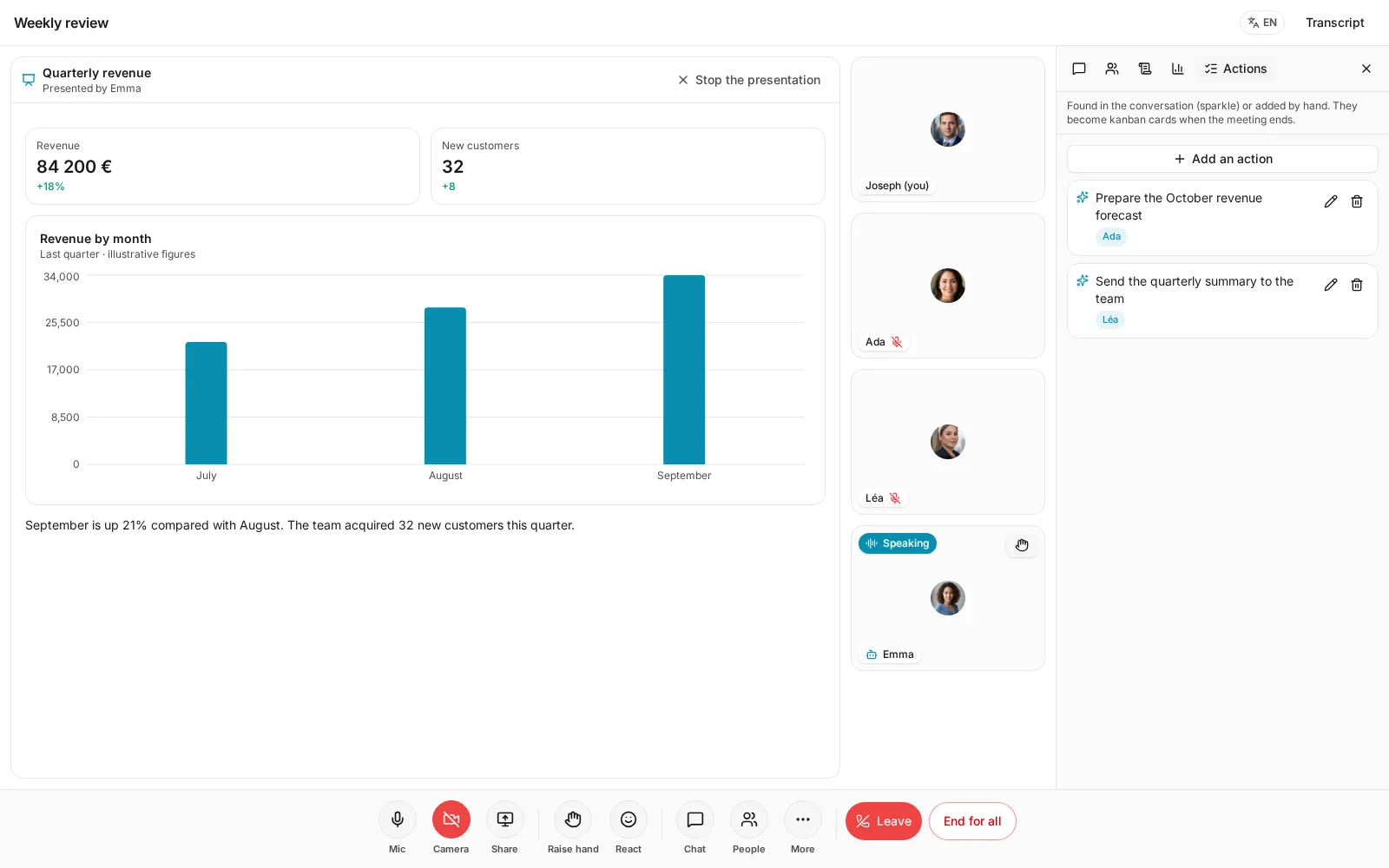
Ask for the follow-up email or a kanban card and the employee does it from its chat, with all its skills, then says out loud when it is done.
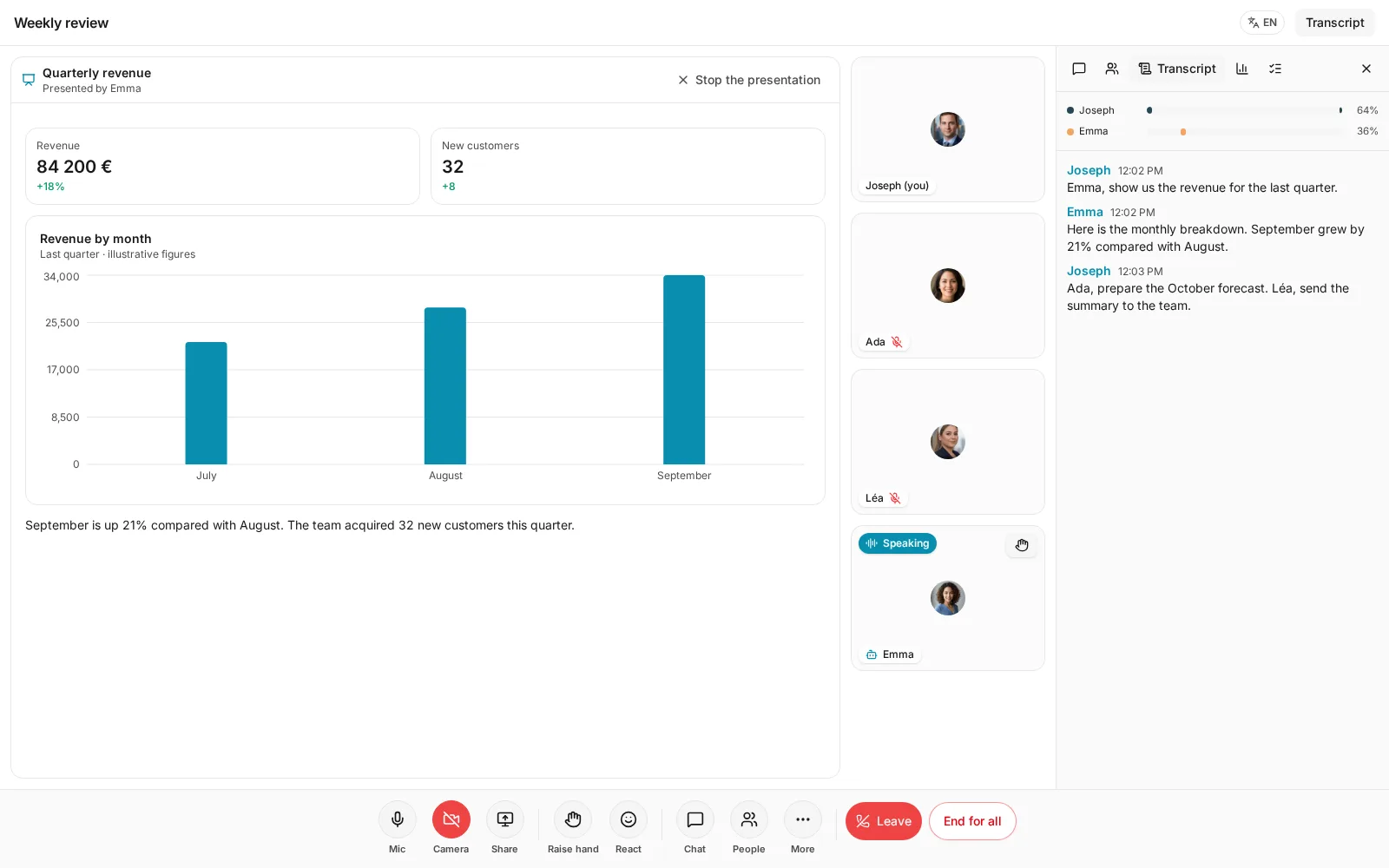
Ask out loud and the employee builds the chart and presents it to everyone, like a shared screen. People move to a strip beside it, above it on a phone, and the employee talks through what it shows.
Choose one of your employees as facilitator and write an agenda. It welcomes everyone, opens each topic in order, says when a topic runs over, and five minutes before the end turns to the topics nobody has covered yet.
When the meeting ends, the work it created is already on its way.
You get a short What you missed: the decisions, the open questions and who said what, just for you.
People outside your instance get the summary, the decisions and the action items, never the transcript, and only after you confirm.
Only the owner or an admin can give an employee work or ask about its memory, so a guest can't make it act for you.
It answers when called by name, from that person's microphone, and needs its name again after each answer. For a longer exchange, Conversation lets it hear you, or people you choose, until you end it.
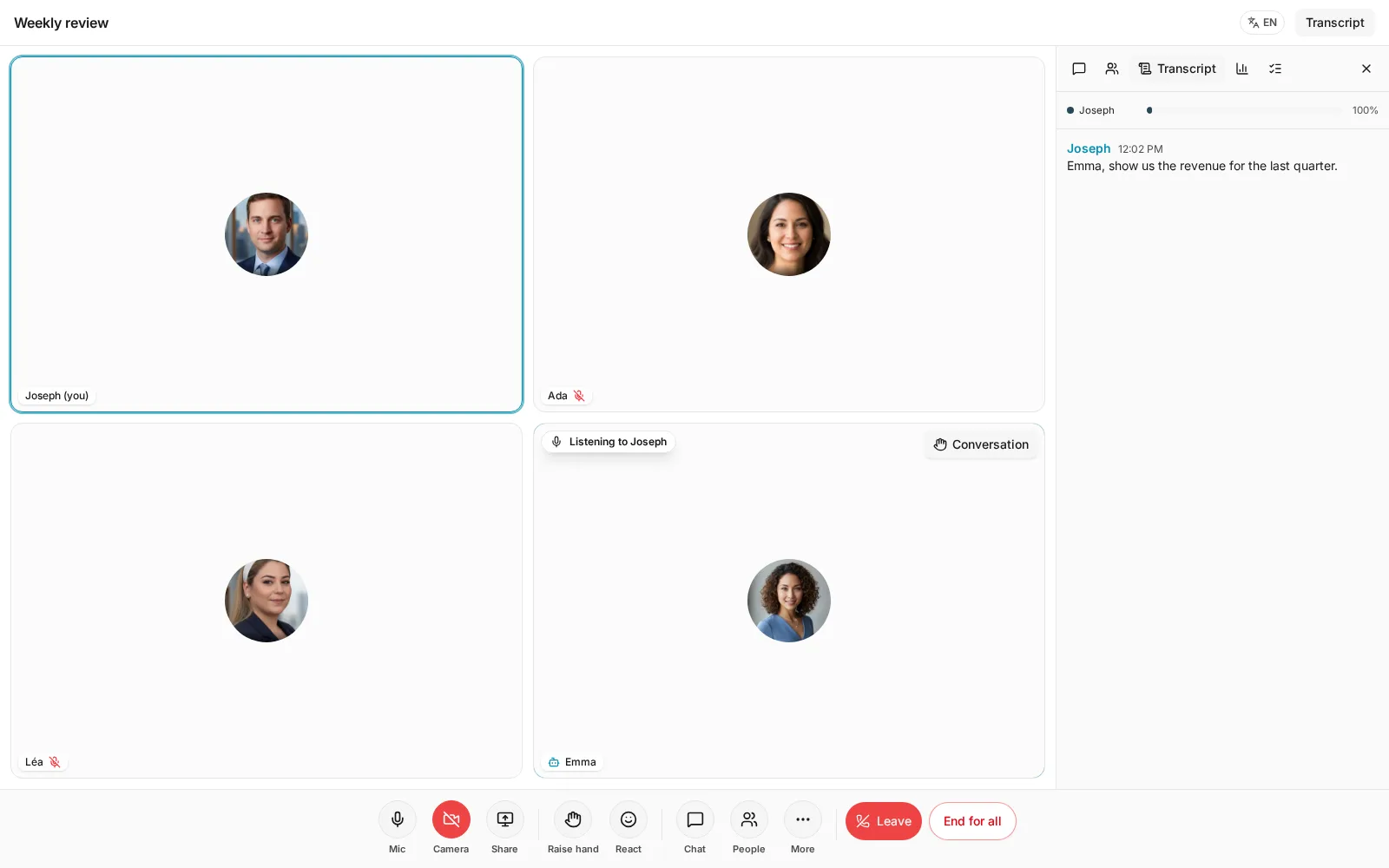
Its tile always says it: Listening to Joseph, Thinking, Speaking, or 1 task in progress.
In the sidebar of your workspace, then New.
Add it next to your team and your guests, and share the link.
"Emma, show us the numbers." It answers, and the work follows.
Ask one employee, let it turn to another for the answer, and listen to them work it out. Your colleagues are in the room too.
Invite one to your next meeting, say its name, and leave with the work already moving.
